Workout App UI Inspiration
Real screens from Dezyn-generated workout and gym fitness apps — activity dashboards, exercise logs, training plans, and progress tracking.
Workout apps must motivate users to show up, then get out of the way while they train. The best designs balance data richness with in-session simplicity — a detailed dashboard for planning and review, and a stripped-back active view that keeps the athlete focused. These screens show how to build a workout app that earns daily opens.
Workout Home
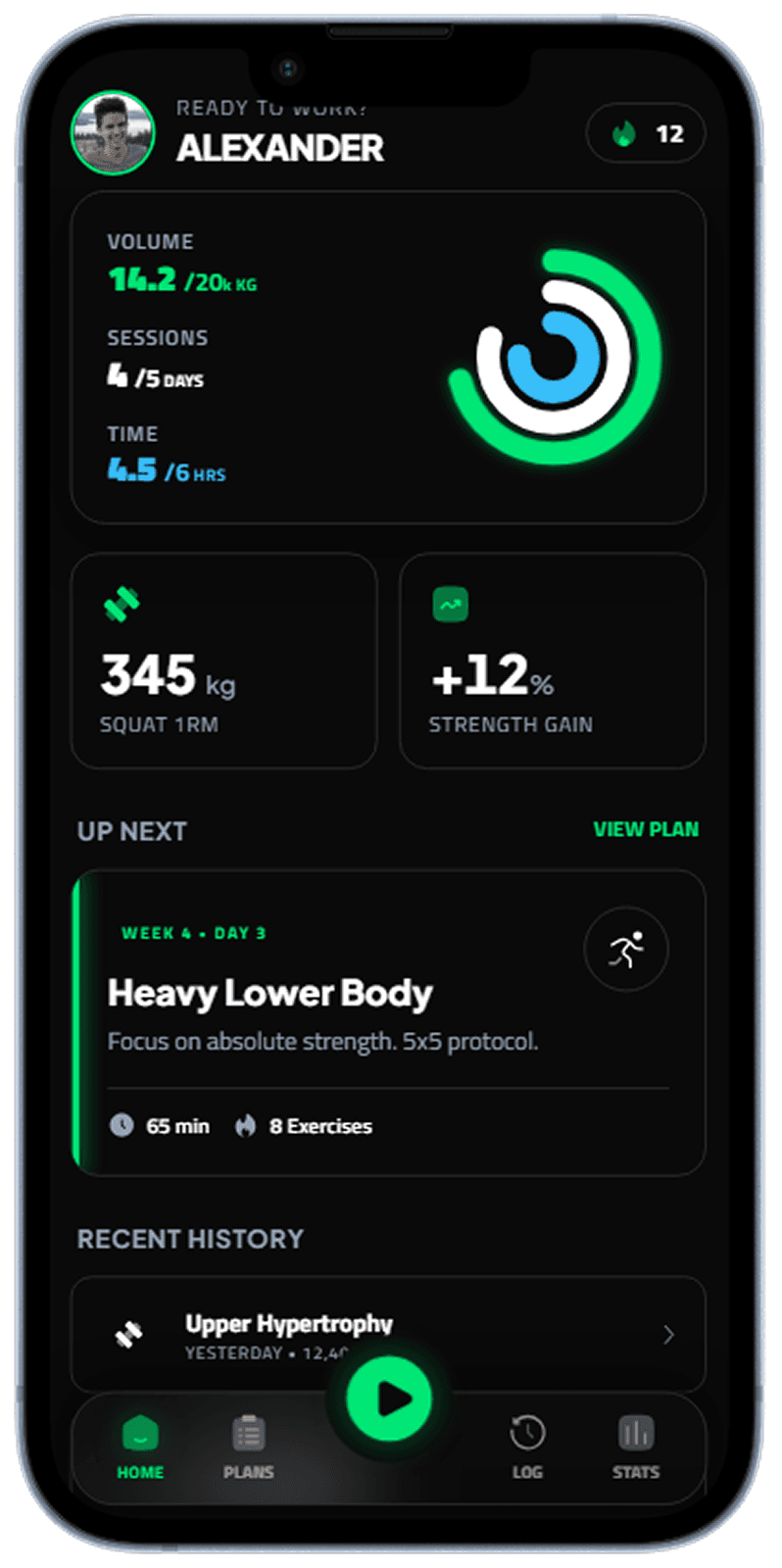
Home dashboard surfacing today's plan, streak, and activity metrics.
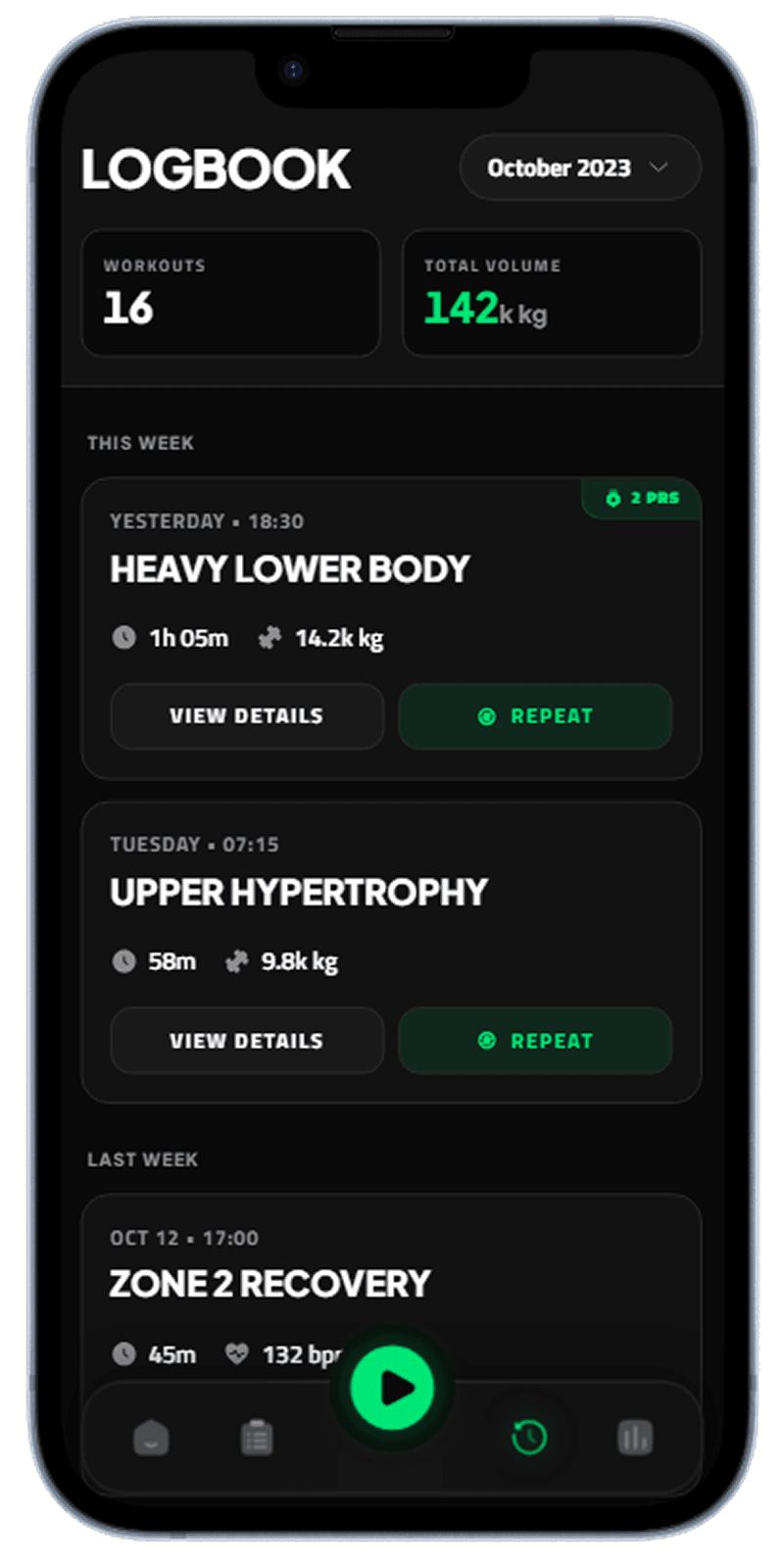
Workout home with daily summary and quick-start actions
Workout Detail
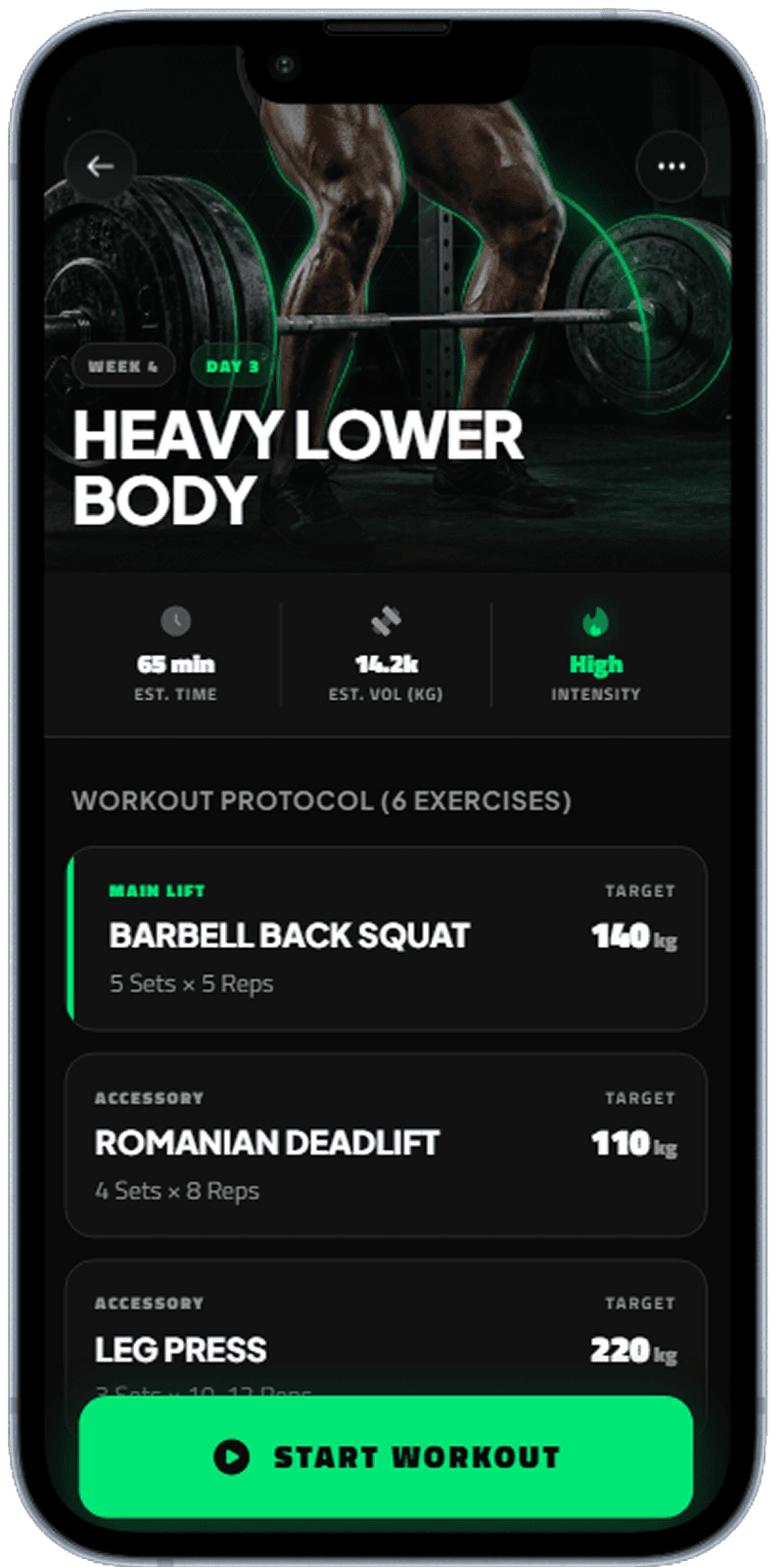
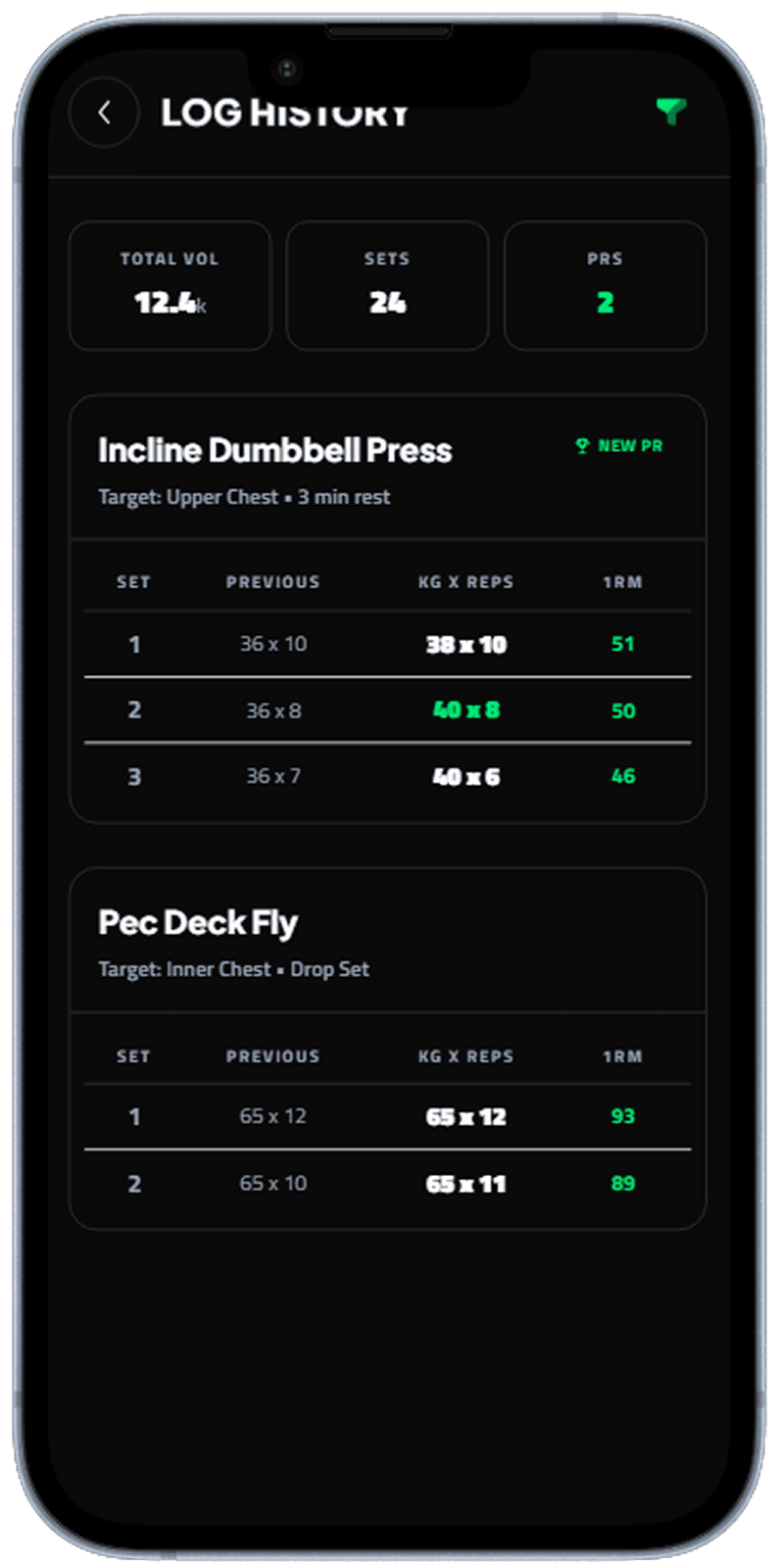
Detailed workout view with structured exercise blocks and progression info.
Exercise detail with sets, reps, and coaching notes
Workout Progress
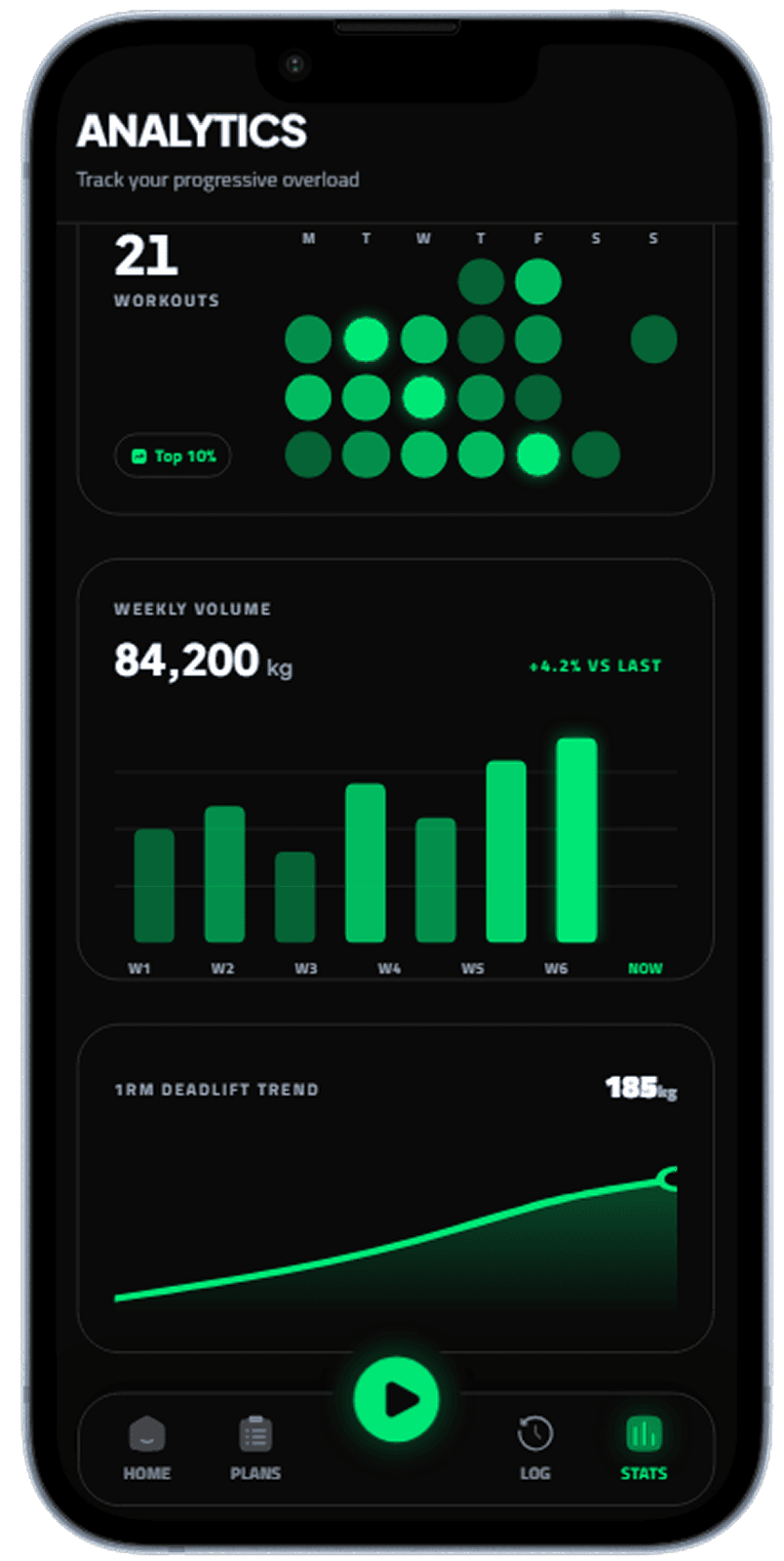
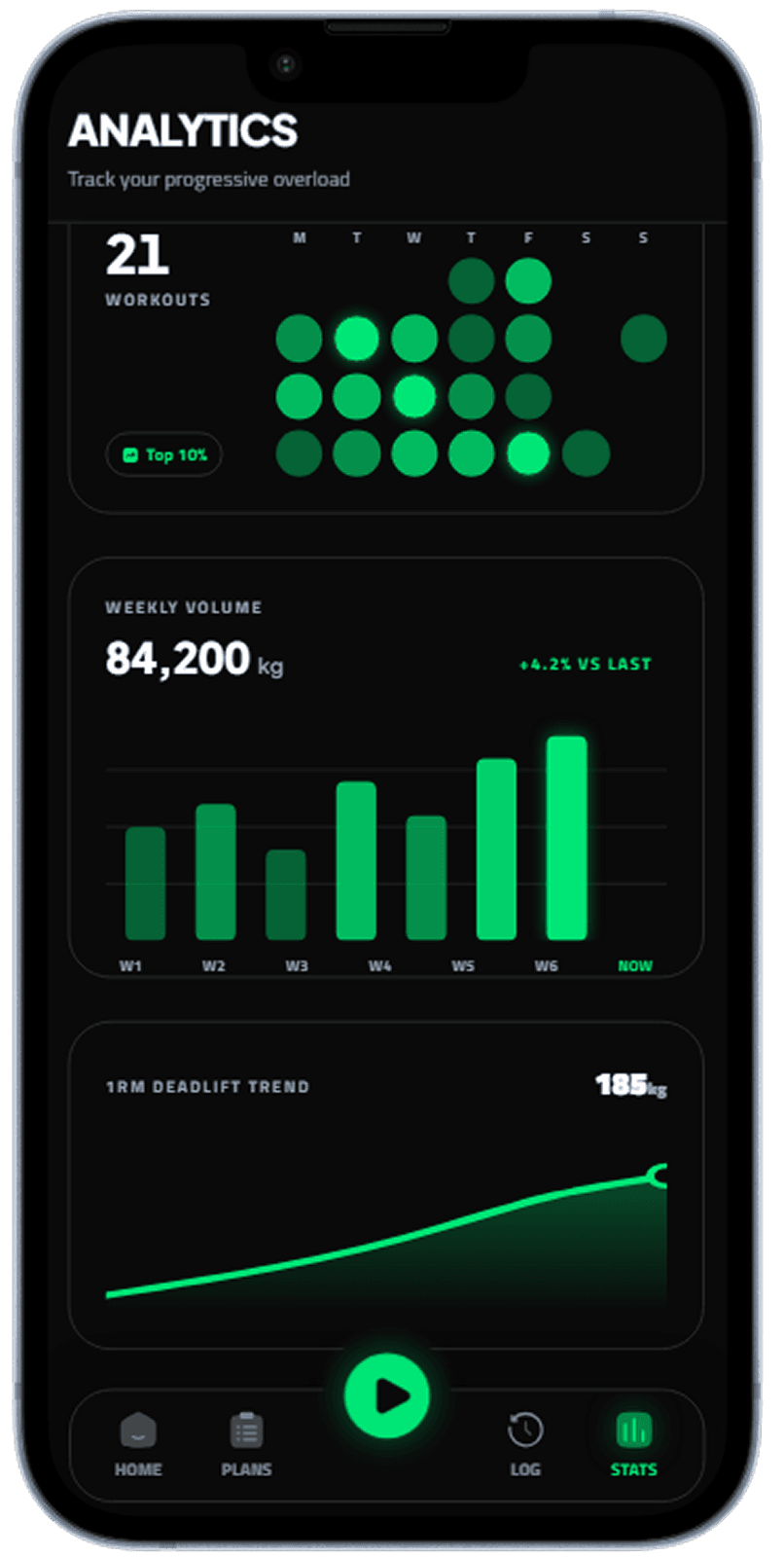
Progress analytics with trend charts, milestones, and weekly consistency.
Progress charts and trend cards for performance over time
Workout Plan
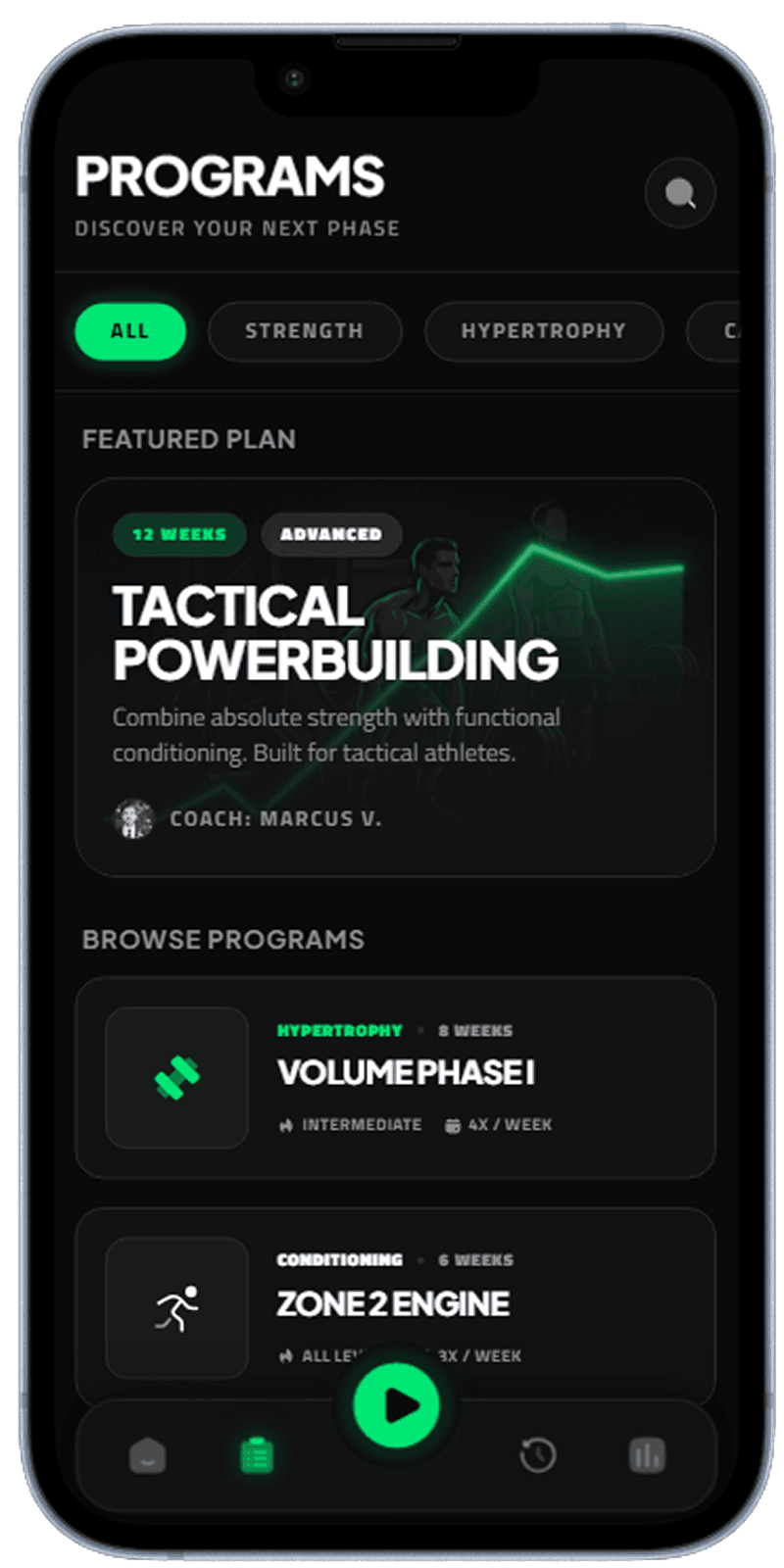
Plan builder and weekly training schedule with completion indicators.
Structured training plan with weekly schedule and completion states
Workout Profile
Profile hub with goals, badges, personal records, and settings.
User profile with achievements, goals, and account settings
Bottom Tab Navigation
Primary navigation pattern for home, activity, progress, and profile.
Bottom tab layout for fast access to core workout journeys
Activity Recording
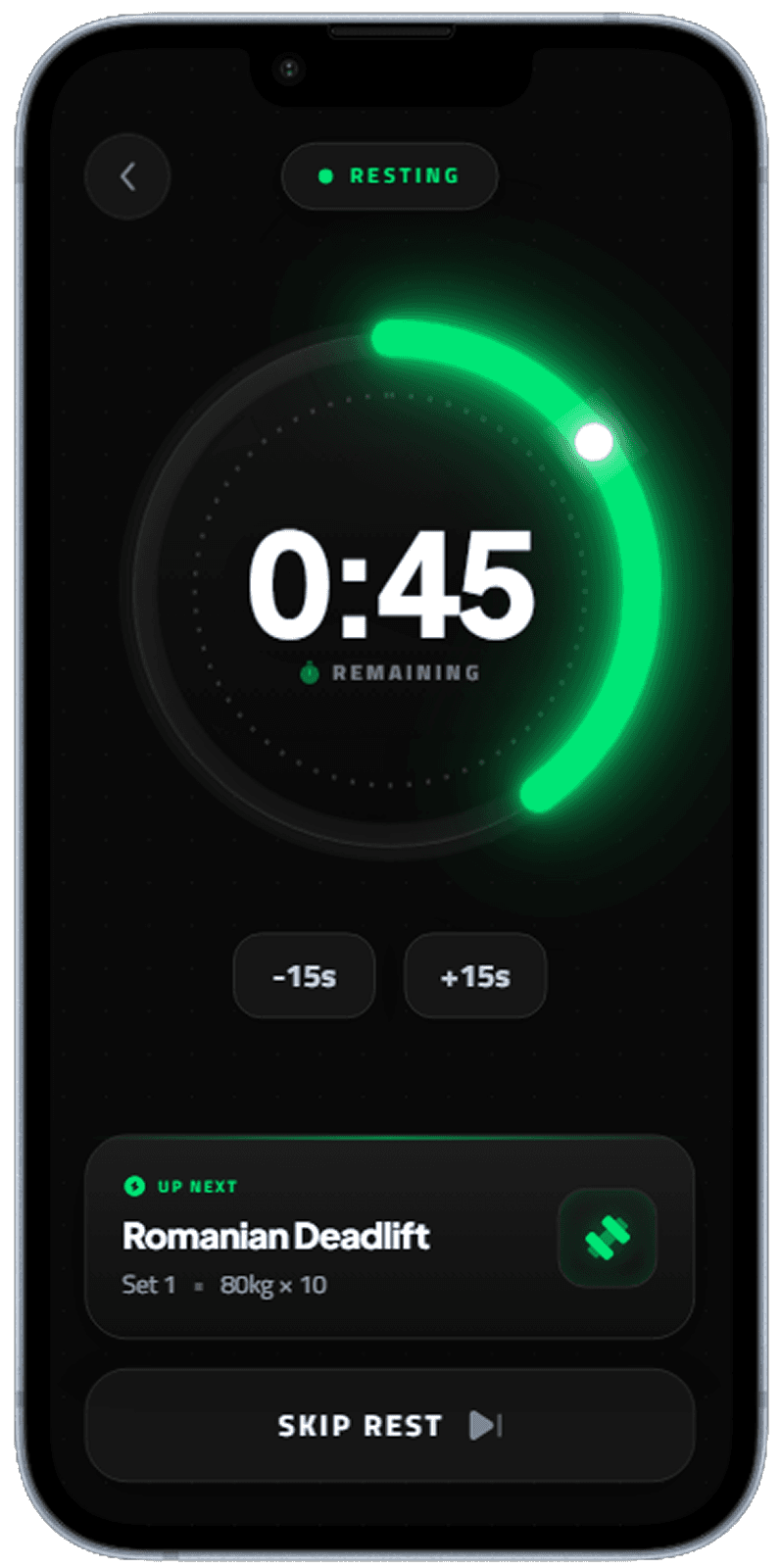
Live workout session mode with timer and fast logging controls.
In-session activity recording with prominent live metrics
Stats Navigation
Stats browsing pattern with segmented controls for different time ranges.
Segmented stats navigation for weekly, monthly, and yearly views
Designing for Two Modes: Planning and Active Training
Workout apps serve two very different states of mind. Planning mode — browsing programs, logging past workouts, checking stats — rewards information density and discoverability. Active training mode — following a workout in real time, logging sets, resting between rounds — demands massive typography, minimal interaction surface, and zero cognitive load. The biggest design mistake is building one layout that tries to serve both. The best apps switch modes explicitly when a session starts.
Progress Visualisation That Motivates
The gym is hard. The app should make the results feel worth it. Before/after strength comparisons, personal record callouts, weekly volume charts — these are not vanity features, they are retention mechanisms. Research consistently shows that users who see their progress visualised are significantly more likely to return the following week. The home screen should surface the most motivating metric for each user, not a generic overview. Personalisation here pays dividends in daily active users.
Rest Timers and In-Workout UX
The rest timer is one of the most-used interactions in any gym app, and it is almost universally under-designed. A large, glanceable countdown, haptic vibration on completion, and a one-tap snooze for extended rest are the three features that determine whether a user keeps their phone in their pocket or leaves the app. Getting the in-workout screen right — the screen users stare at between every set — is the highest-leverage design investment in the fitness category.
Related Resources
Build your workout app UI with Dezyn
Describe your gym or fitness app to Dezyn and get a complete set of polished, production-ready screens generated instantly.