Travel App UI Inspiration
Destination-worthy UI patterns for travel apps — flight search, hotel cards, itinerary views, and real-time trip management.
Travel apps must evoke wanderlust at every scroll while remaining ruthlessly practical when users need to find a flight fast. The visual language of great travel UI balances aspirational destination photography with clear, confident information hierarchy for prices, dates, and availability. These screens showcase the full booking journey from discovery to check-in.
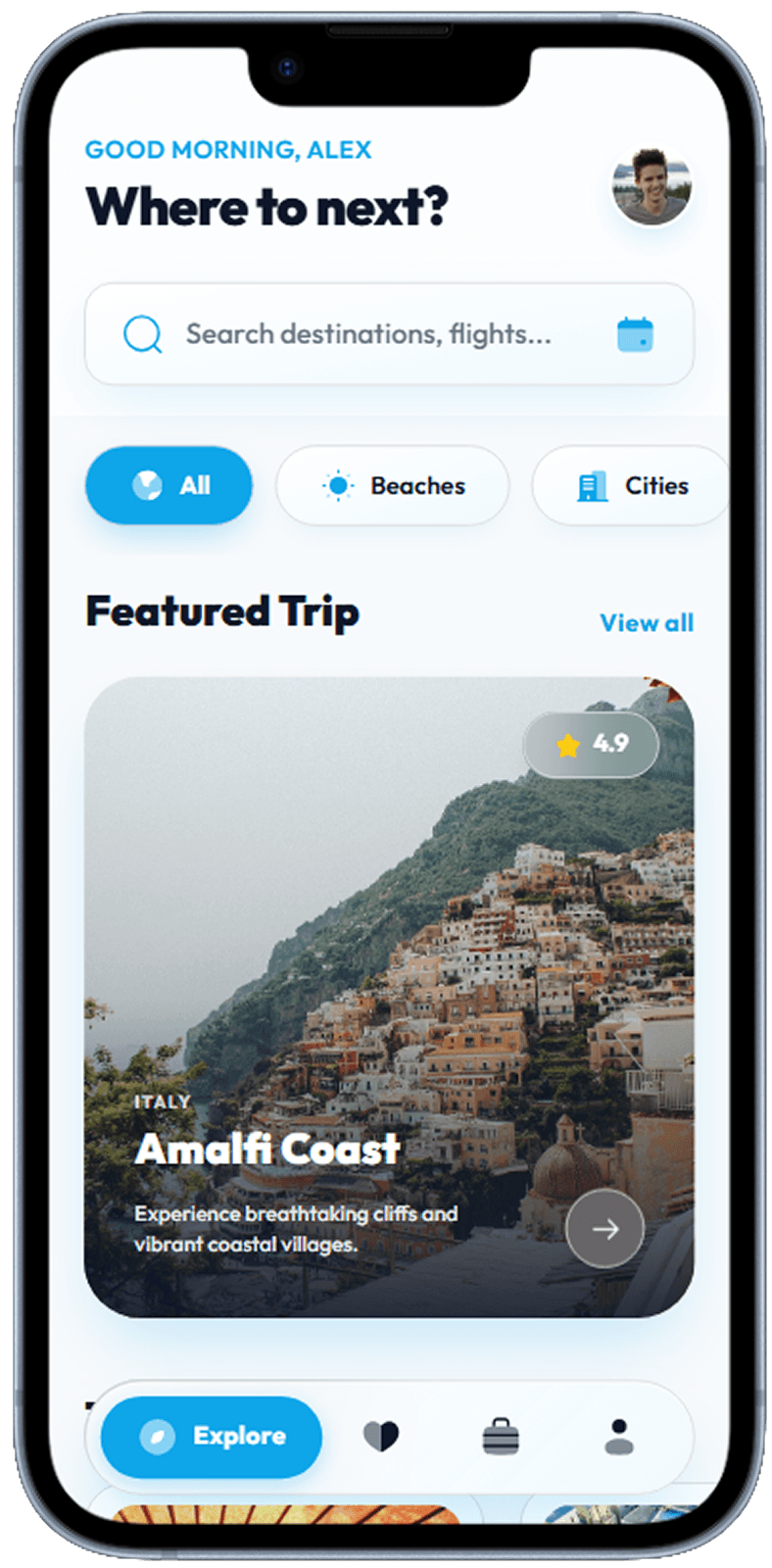
Home
Editorial destination cards, trending trips, and a persistent search bar.
Travel app home with destination search and featured trips
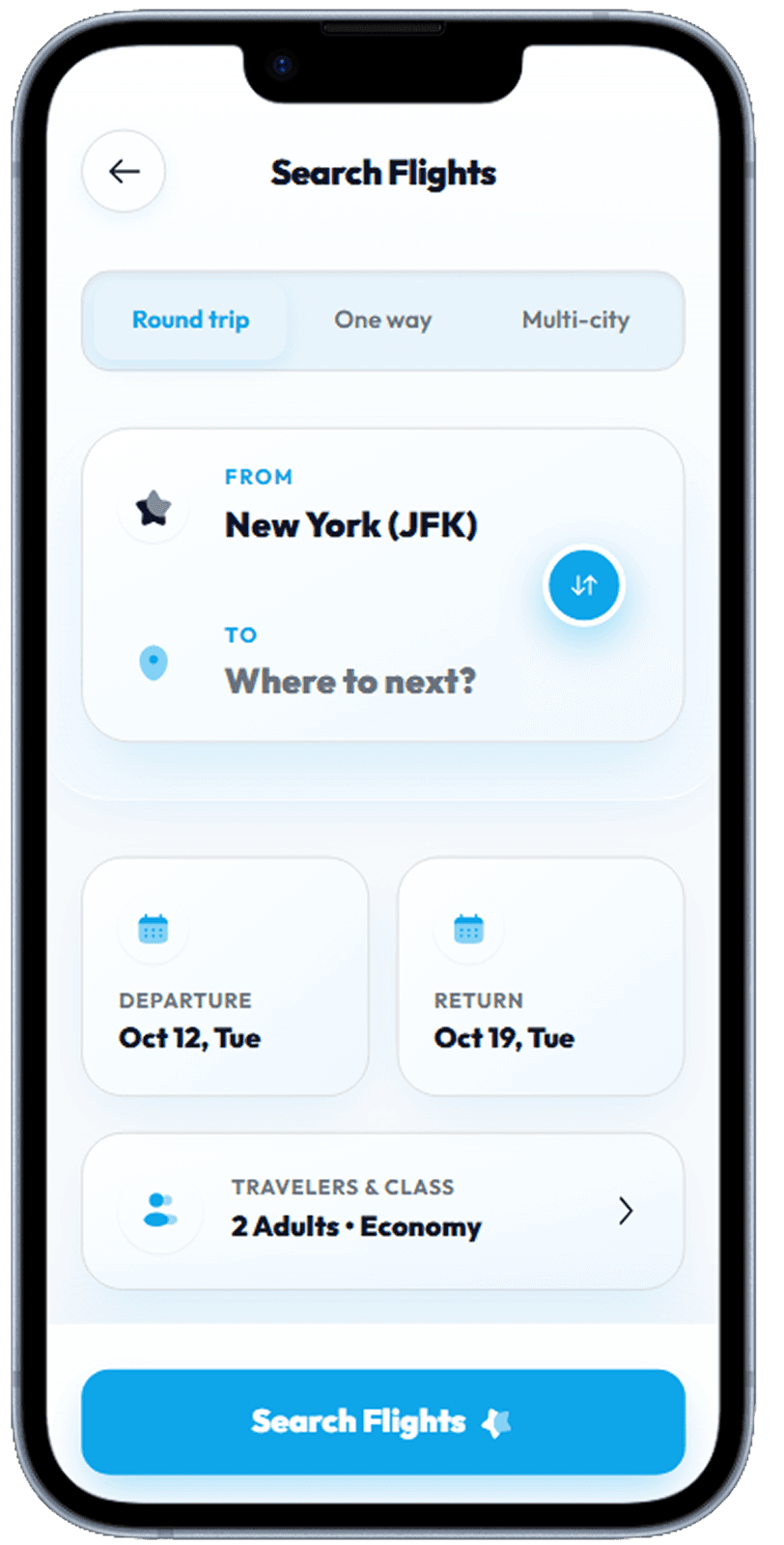
Flight Search
Origin/destination swap, date picker calendar, and passenger selector.
Origin/destination swap, date picker, and passenger selector
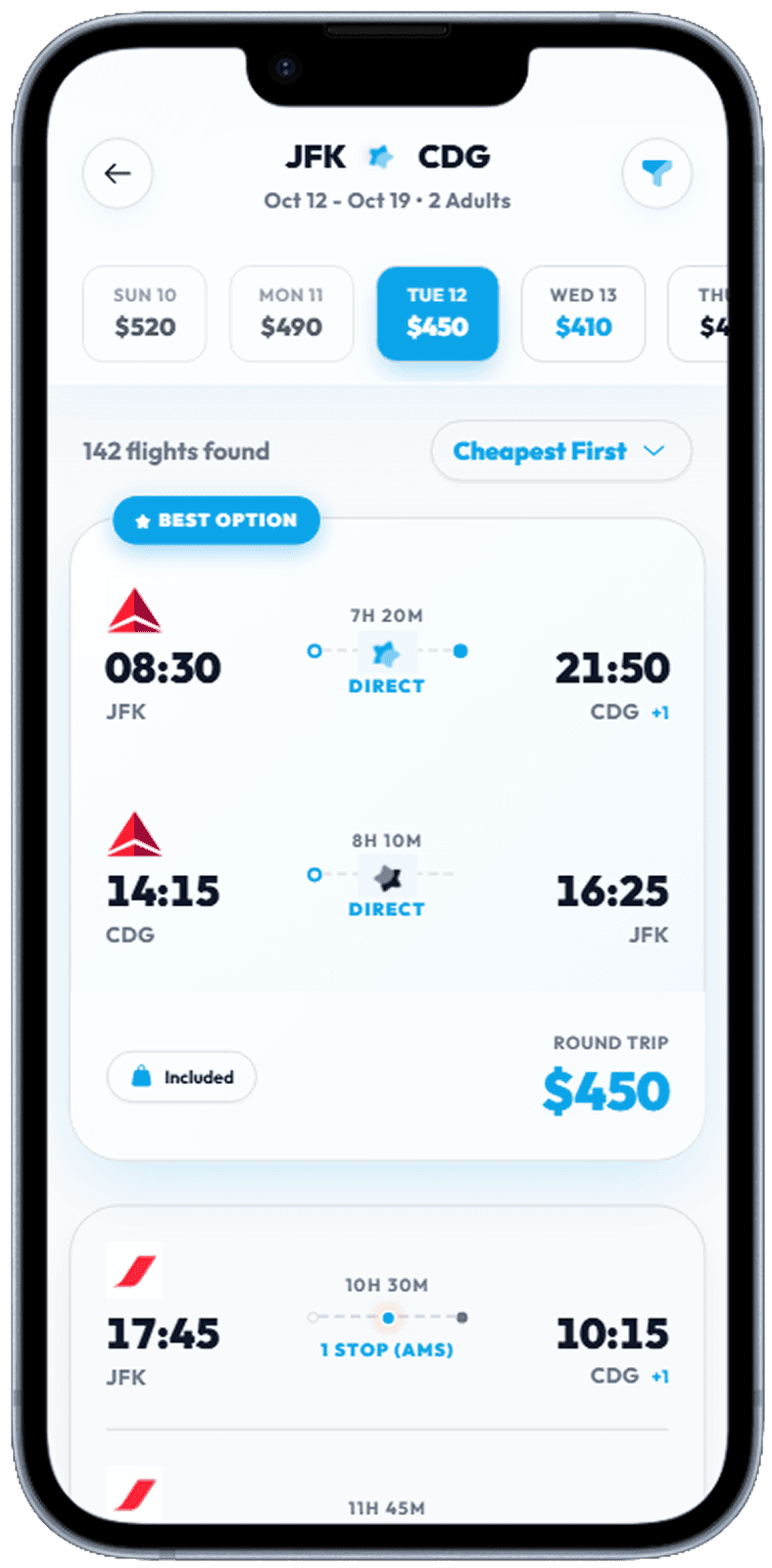
Flight Results
Sortable list with airline logo, duration bar, stop indicators, and price.
Sortable flight list with airline, duration, stops, and price
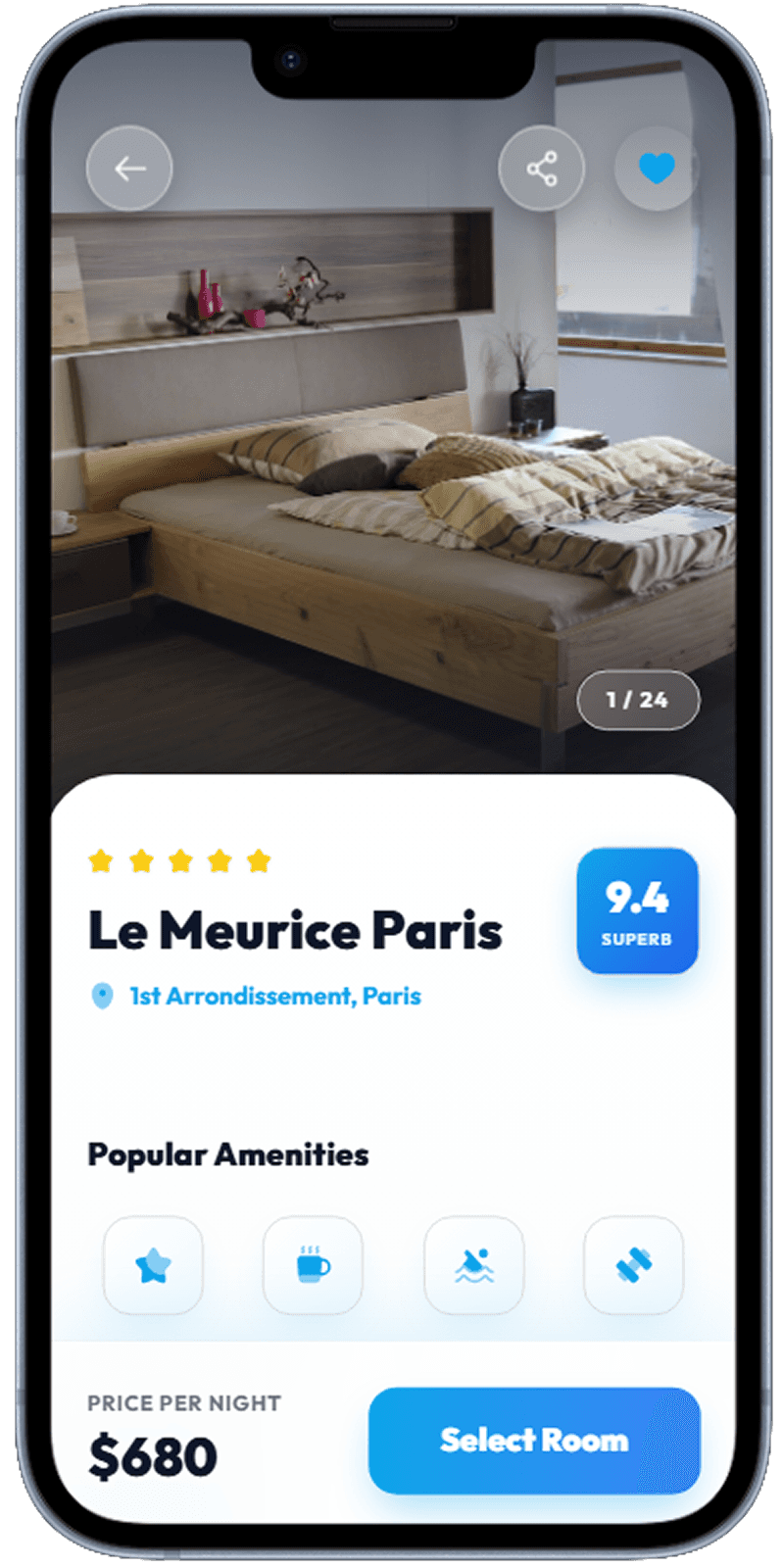
Hotel Detail
Photo gallery header, amenities icons, review score, and room selector.
Hotel detail with photo gallery, amenities, reviews, and book CTA
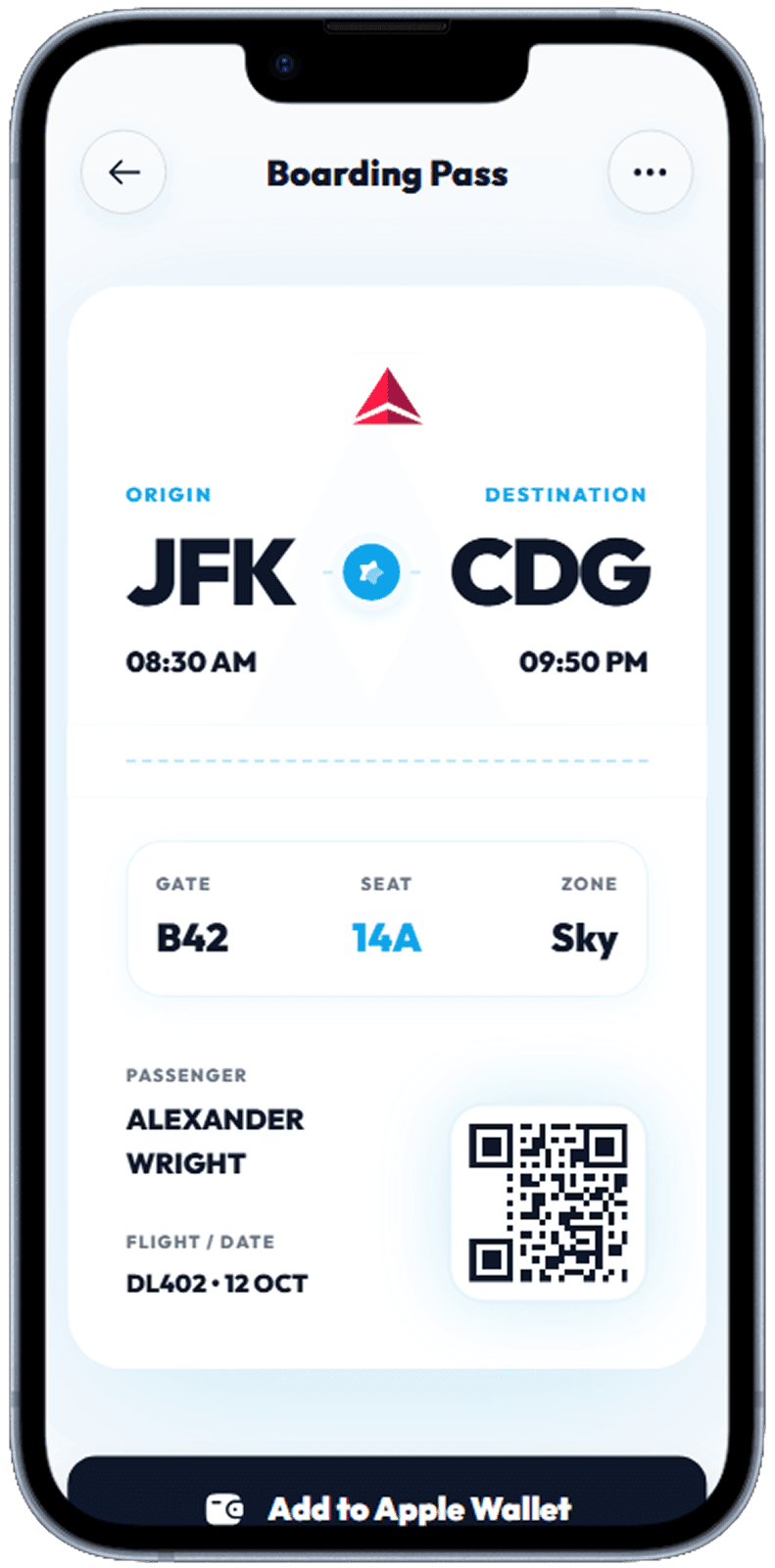
Boarding Pass
Full-screen QR boarding pass with flight details and gate information.
Mobile boarding pass with QR code and flight details
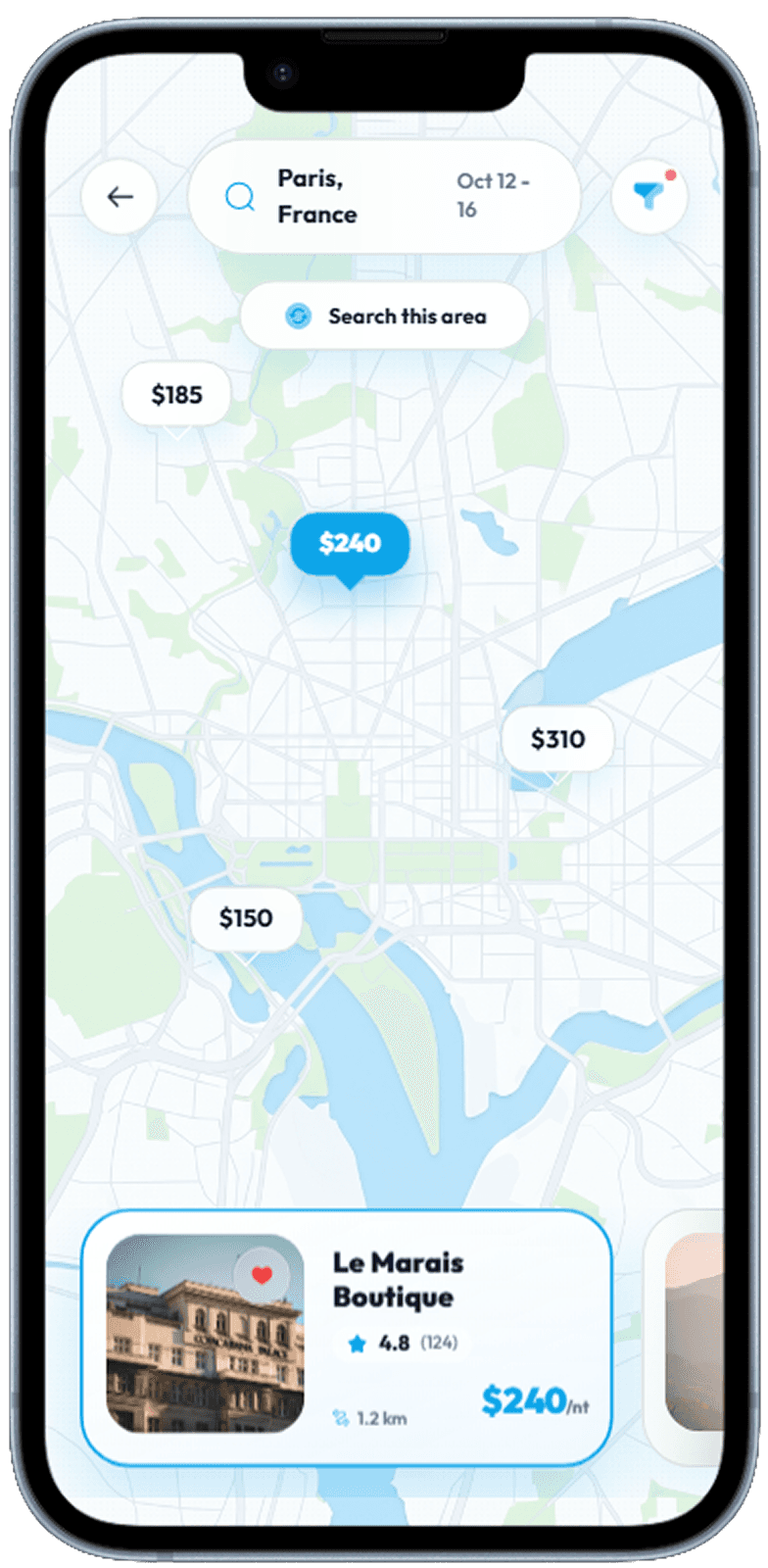
Hotel Map
Map-first view with pinned prices and swipeable hotel card strip at bottom.
Map-first hotel search with pinned prices and hotel card strip
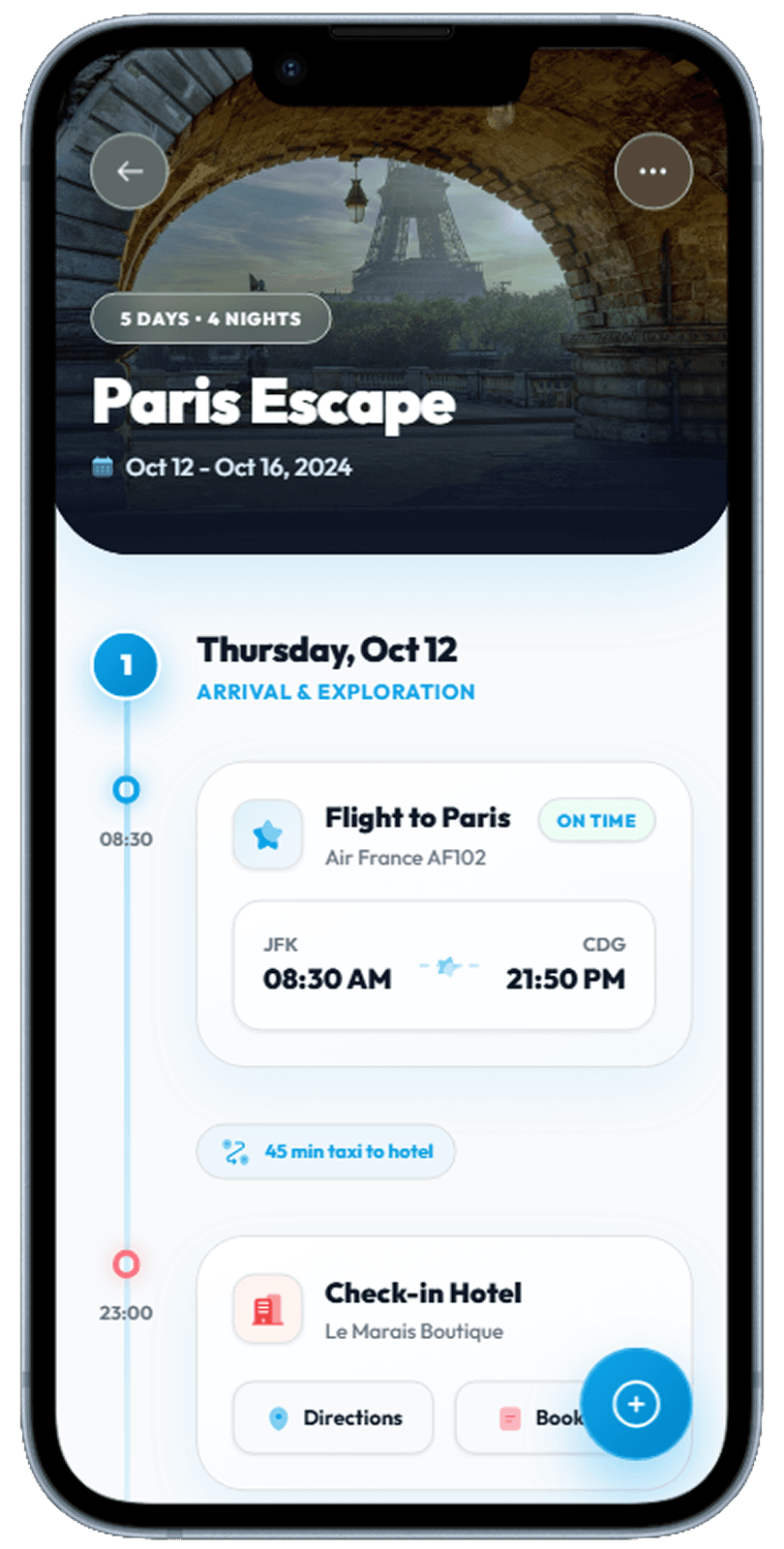
Itinerary
Day-by-day timeline with activity cards and map integration.
Day-by-day trip itinerary with activity cards
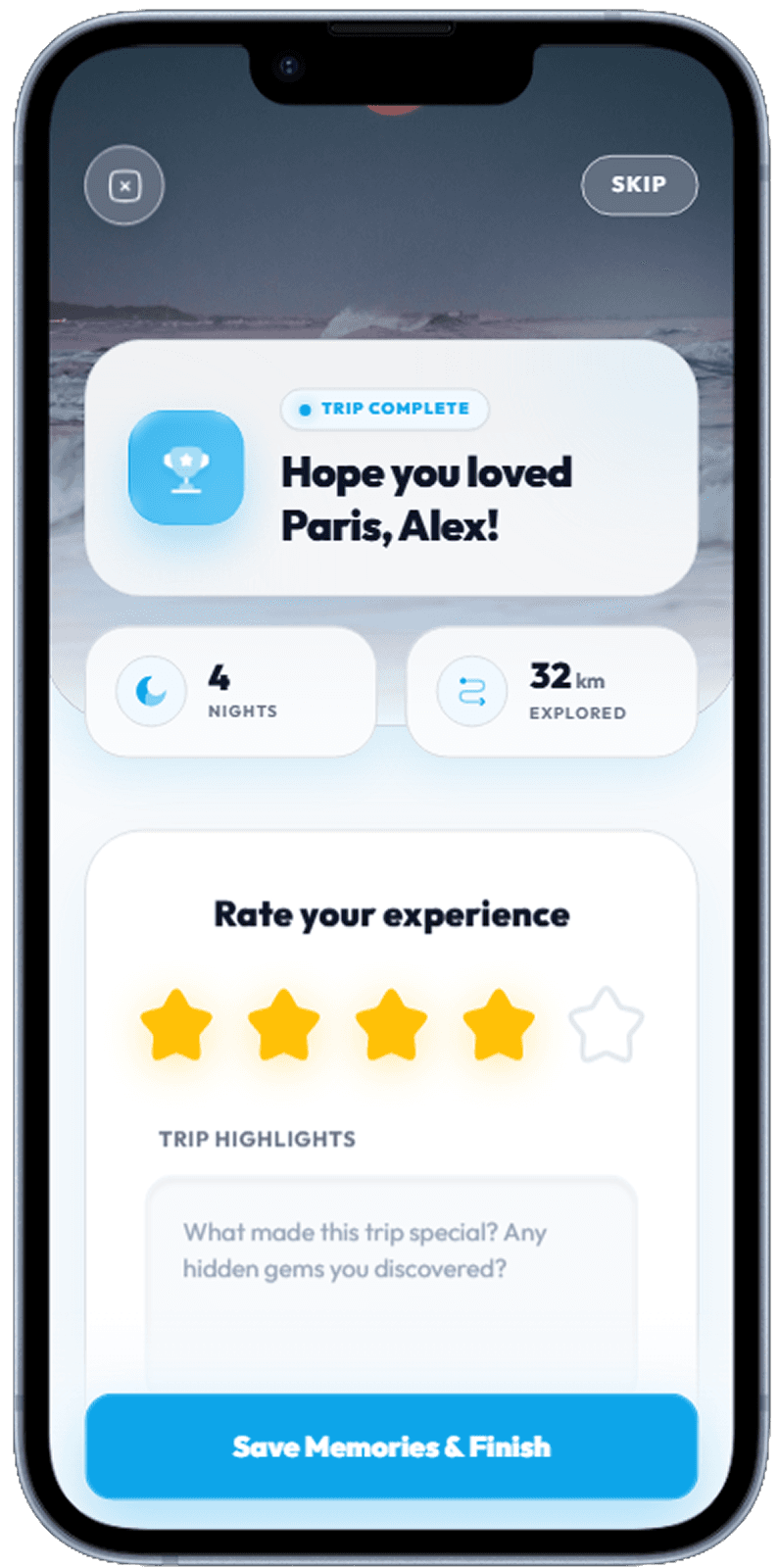
Trip Review
Post-trip summary with photo highlights and star rating prompts.
Post-trip review with star ratings and highlights
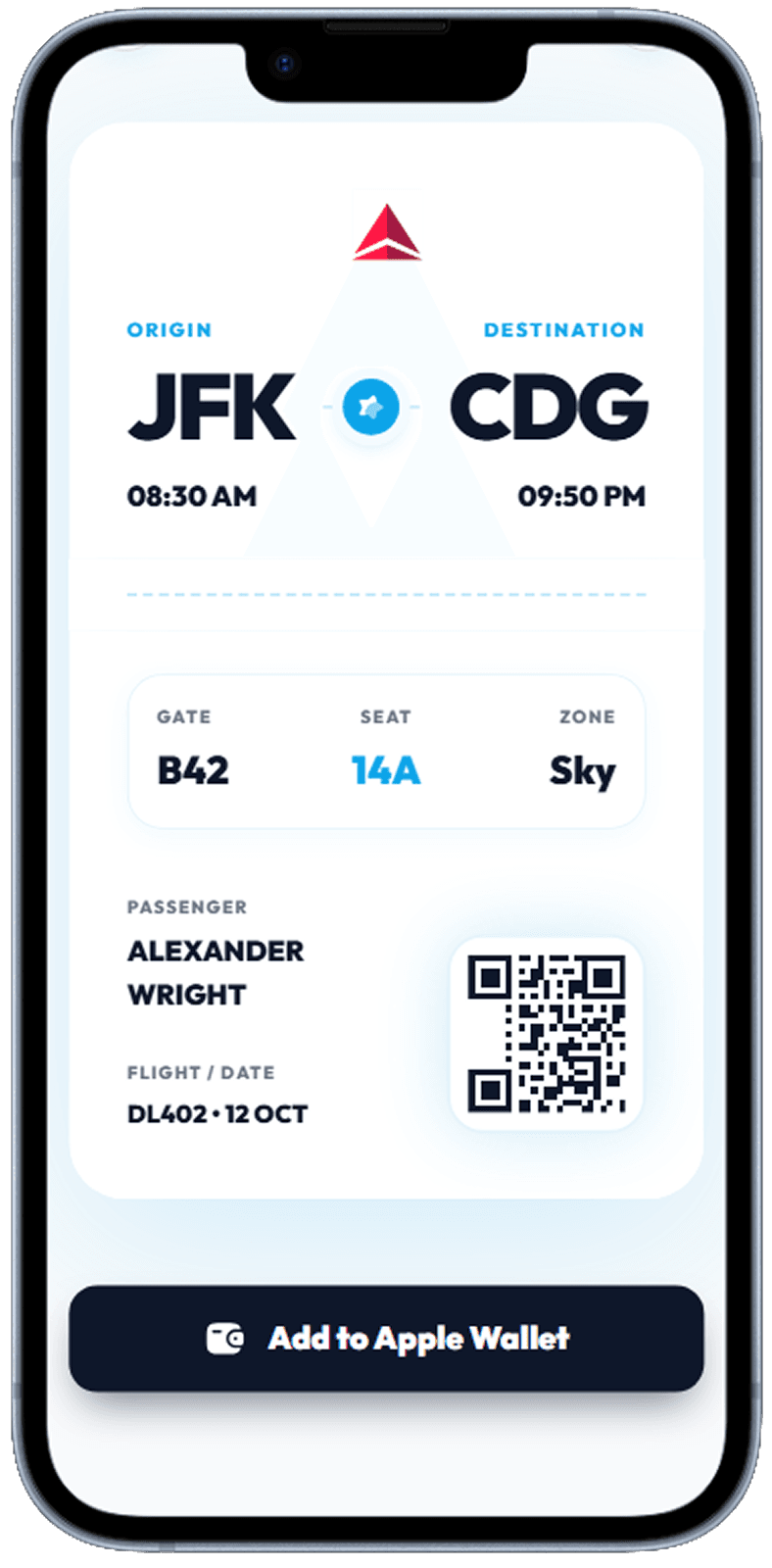
Boarding Pass 2
Secondary boarding pass view showing seat assignment and gate details.
Alternative boarding pass view with gate and seat details
Designing for High-Stakes, Infrequent Decisions
Travel bookings are high-value, high-anxiety transactions. Users often spend days researching before committing, and they are acutely aware that mistakes (wrong date, wrong airport) are expensive to fix. Good travel UI reduces this anxiety through progressive disclosure — show the most important information (price, duration, stops) first, then reveal details on demand. Price calendars that show the cheapest day to fly, flexible date toggles, and clear cancellation policy badges all reduce the cognitive load of decision-making.
The Map as Navigation Anchor
Unlike most app categories, travel interfaces work best when the map is the primary navigation surface rather than a supplemental detail. Hotel search on a map rather than a list lets users understand neighbourhood relationships instantly. A "search this area" button as the user pans eliminates the need for complex filter interactions. The trick is handling the transition between map and list view gracefully — a persistent toggle, not two separate screens, keeps context intact.
Building the Perfect Boarding Pass Screen
The mobile boarding pass is one of those rare screens that must work perfectly in the most stressful conditions — airport security, low battery, intermittent connectivity. Design decisions matter enormously: high-contrast QR code at 100% brightness, offline-first data so it works in airplane mode, and a clear one-tap "show barcode" entry from the home screen. Getting this screen right builds deep loyalty — users who successfully use a mobile boarding pass for the first time rarely go back to paper.
Related Resources
Design your travel app UI with AI
From flight search to boarding pass, describe your travel app to Dezyn and get beautiful, complete screens generated instantly.