Stock Trading App UI Inspiration
Real screens from a Dezyn-generated stock trading app — watchlists, buy flows, order review, and options trading.
Stock trading apps must communicate complex financial data with clarity and speed. Every screen needs to earn user trust while making decisive action — placing a trade, reviewing an order, navigating options chains — feel fast and confident. These screens from a real Dezyn project show how AI-assisted design can produce production-quality trading UI in minutes.
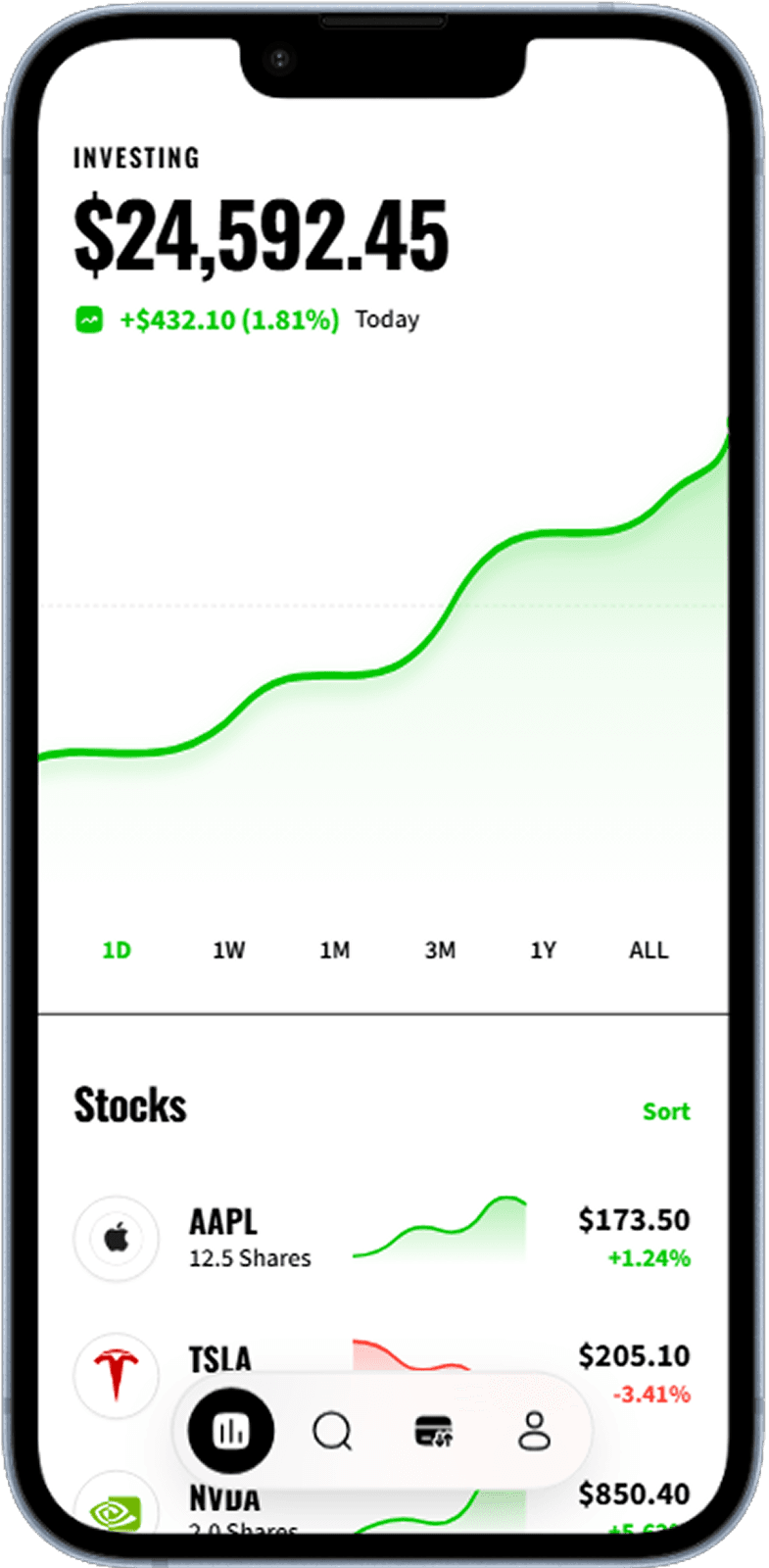
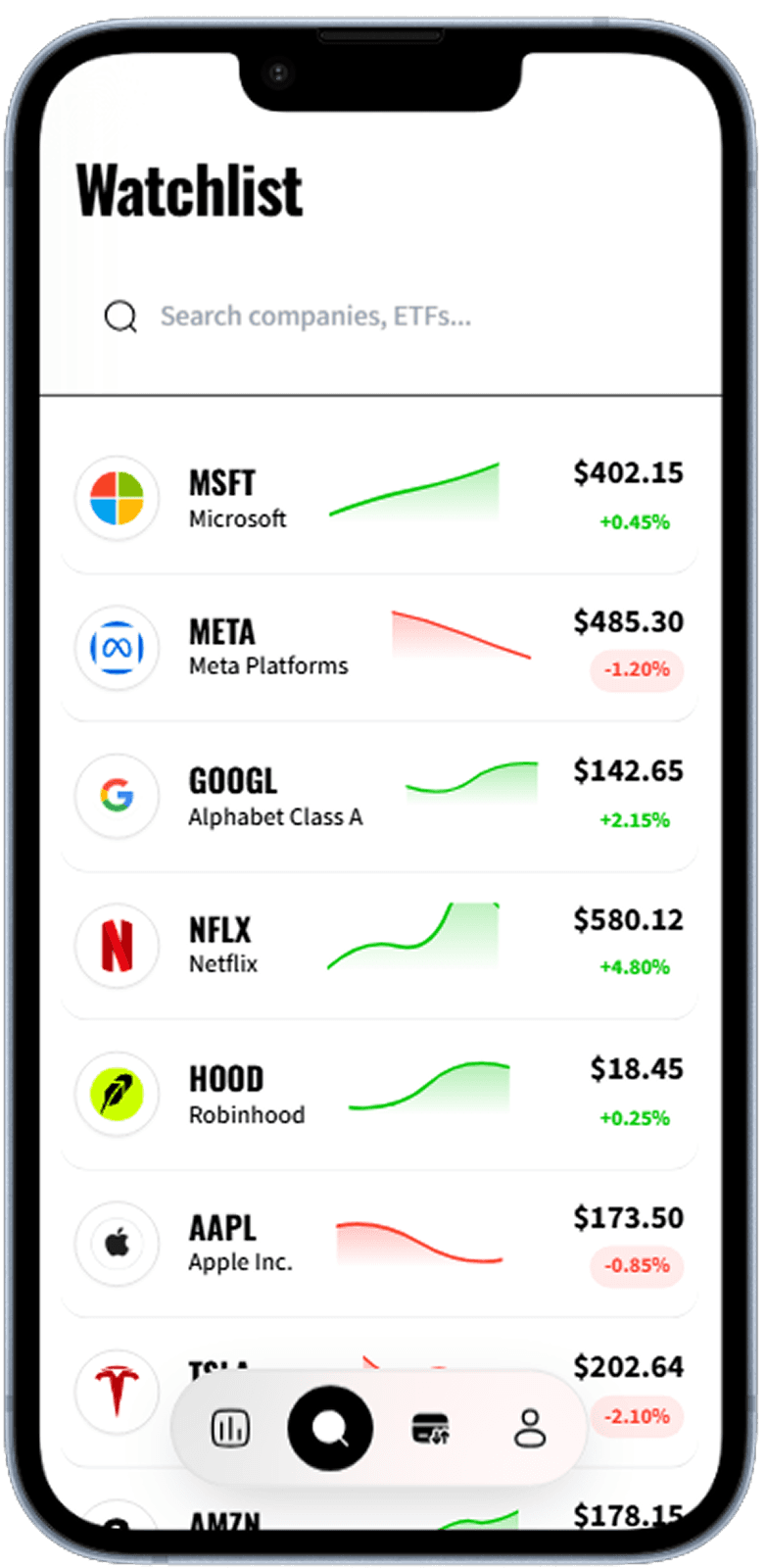
Watchlist
Scrollable watchlist with ticker, current price, and daily change badges.
Personalised stock watchlist with price and change indicators
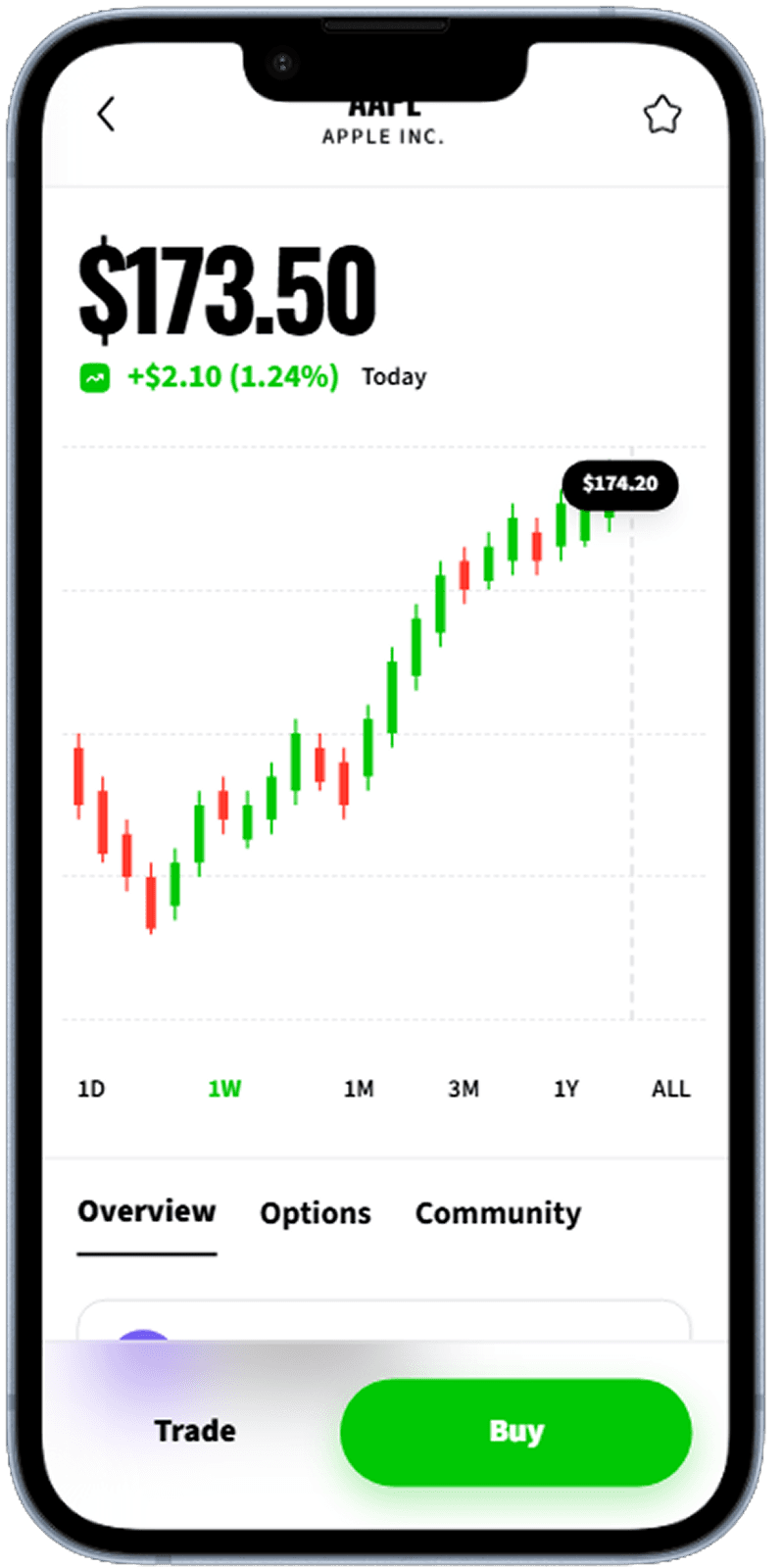
Buy Order
Order entry form with market/limit toggle, share quantity, and cost preview.
Buy order entry with shares, order type, and estimated cost
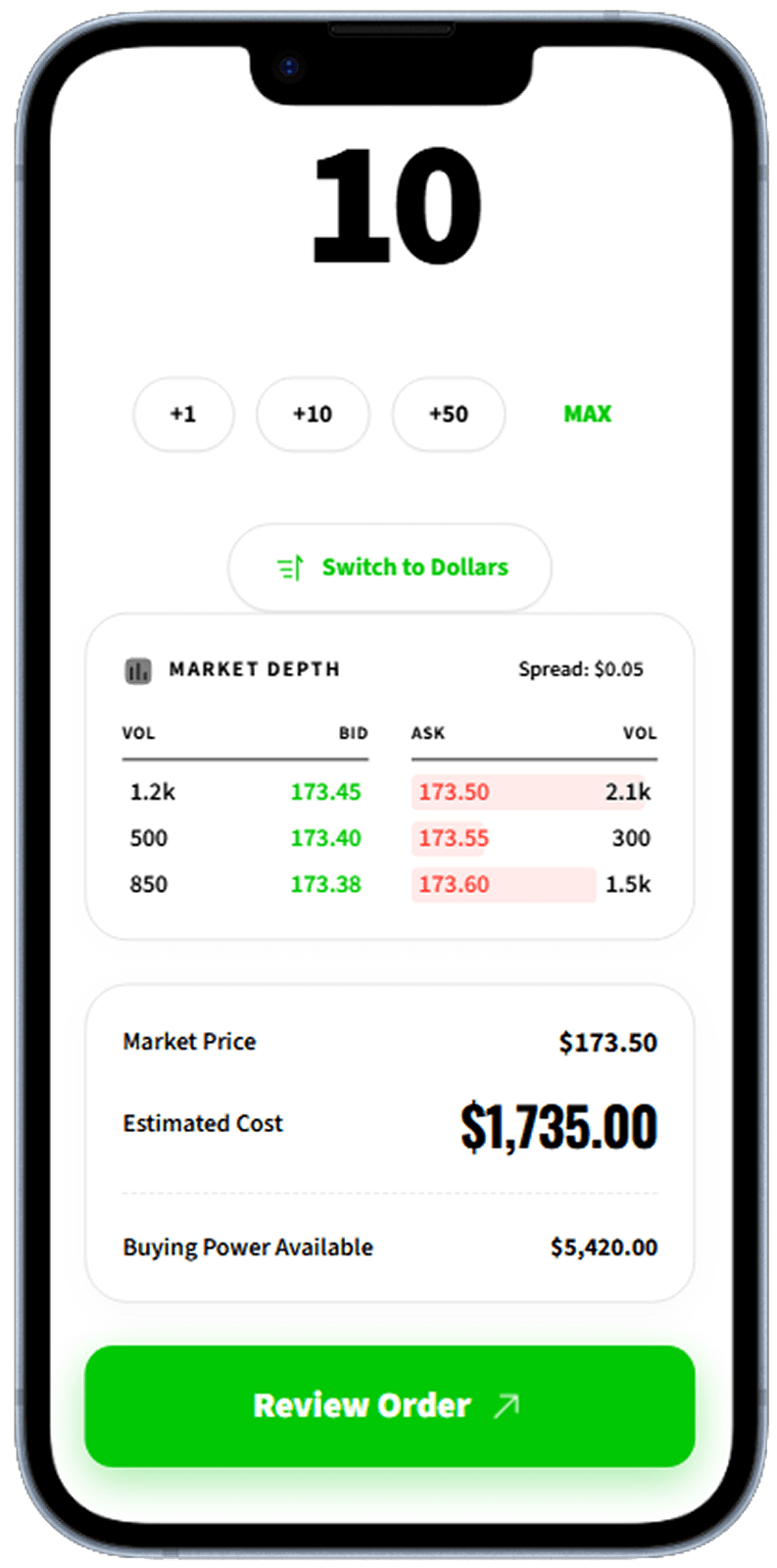
Buy Review
Confirmation sheet showing full order details before execution.
Order review summary before confirming the trade
Options Trading
Options chain view with strike selector, expiry tabs, and premium display.
Options chain with calls, puts, strike prices, and expiry dates
Designing for Speed and Confidence
Trading apps operate under millisecond pressure. Users need to locate a ticker, assess price action, enter an order, and confirm — all before the market moves. The UI must eliminate every unnecessary tap. A persistent search bar, one-tap watchlist access, and a pre-filled order ticket anchored to the bottom of the chart screen are the three design decisions that separate a fast trading app from a frustrating one. The screens above demonstrate this flow end to end.
Trust Signals in Financial UI
Users are placing real money through these interfaces, which means every design decision carries weight. Order review screens must be unambiguous — the ticker, quantity, order type, and estimated cost should all be readable at a glance with no room for misinterpretation. Confirmation buttons should be visually distinct and require deliberate intent. Color conventions matter: green for buy, red for sell is a deeply ingrained convention that you should never break without strong reason.
Options Trading: Designing for Complexity
Options chains are among the most information-dense screens in mobile finance. Strikes, expiries, bid/ask spreads, implied volatility, delta — the data is inherently complex. The best designs impose structure through progressive disclosure: show the most commonly used strikes by default, collapse deep ITM and OTM chains, and use color-coded columns to make the relationship between price and premium instantly scannable. The options screen above demonstrates how to make a complex data table navigable on a small screen.
Related Resources
Generate your stock trading app UI in seconds
Describe your trading or investing app to Dezyn and get a full set of polished, production-ready screens instantly.