Fintech App UI Inspiration
Explore real crypto trading and financial app screens — dashboards, portfolio views, and transaction flows ready to inspire your next build.
Financial apps demand the highest standard of clarity and trust. Every screen must communicate complex data at a glance while reassuring the user that their money is safe. The examples below come from a real crypto trading app generated with Dezyn, showing how AI-assisted design can produce production-quality fintech UI in minutes rather than weeks.
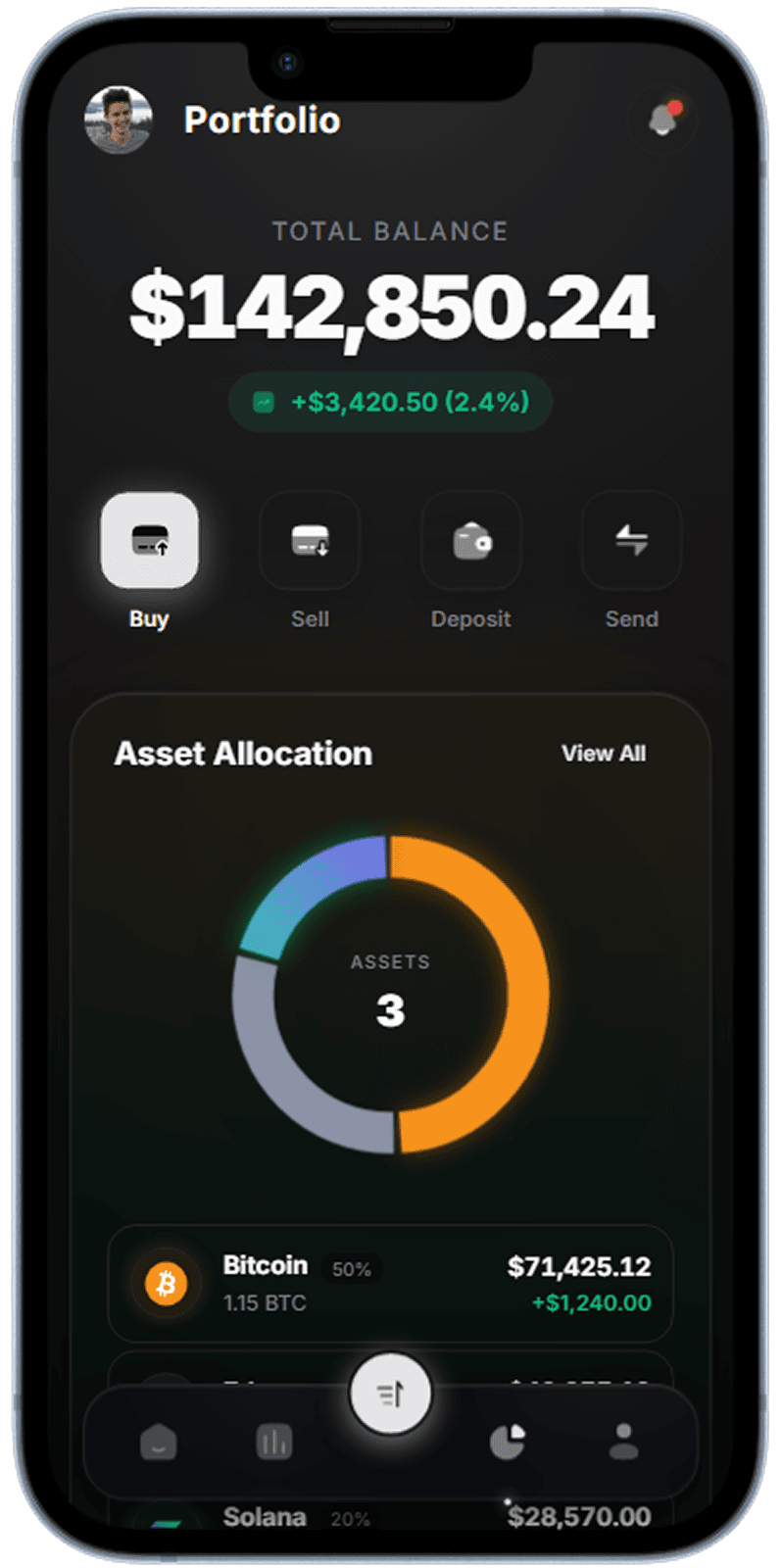
Portfolio Overview
Top-level balance card with sparkline chart and asset breakdown.
Portfolio dashboard with real-time balance and asset allocation
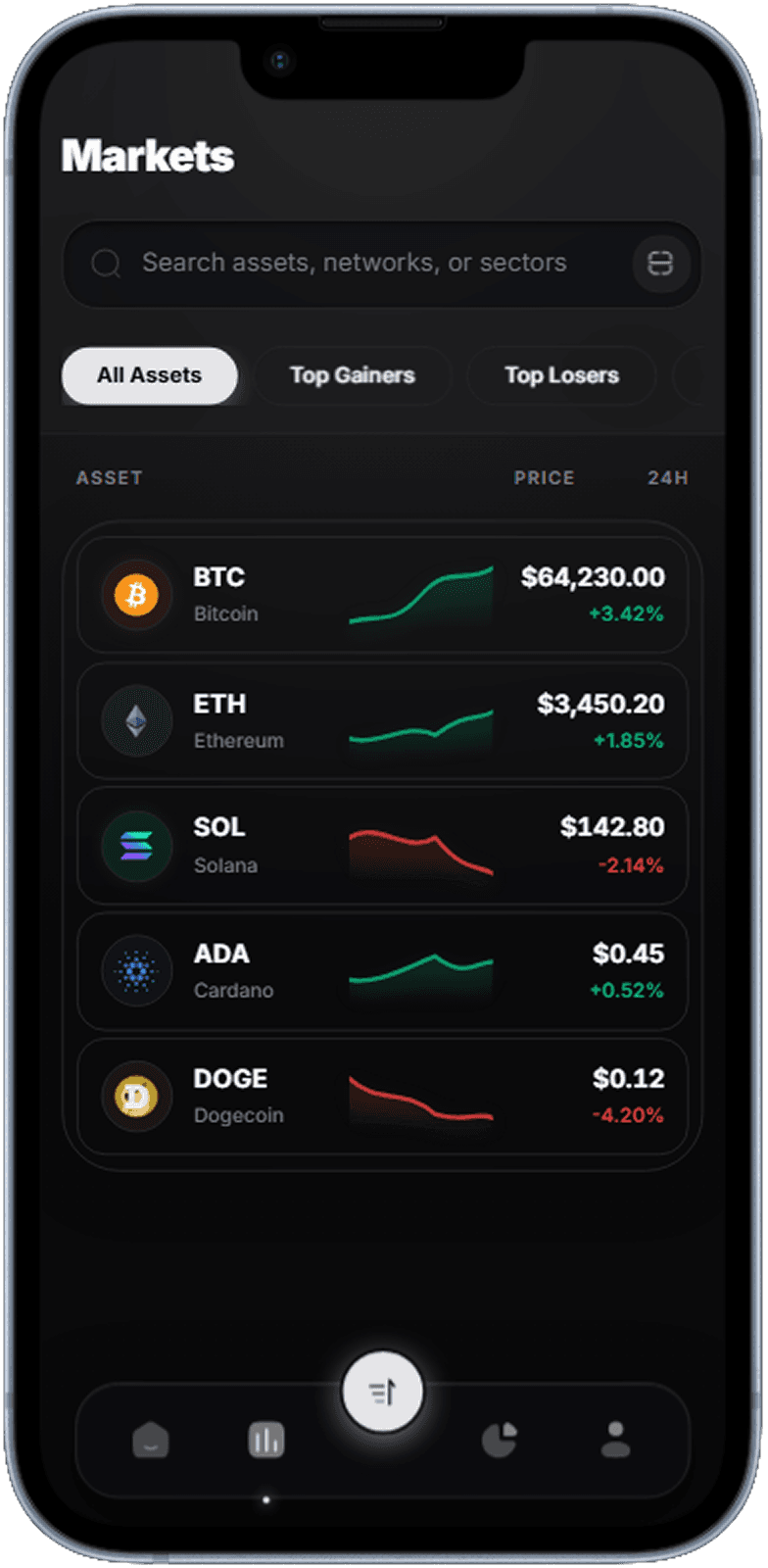
Market Prices
Scrollable ticker list with color-coded percentage change badges.
Live market list with 24h price change indicators
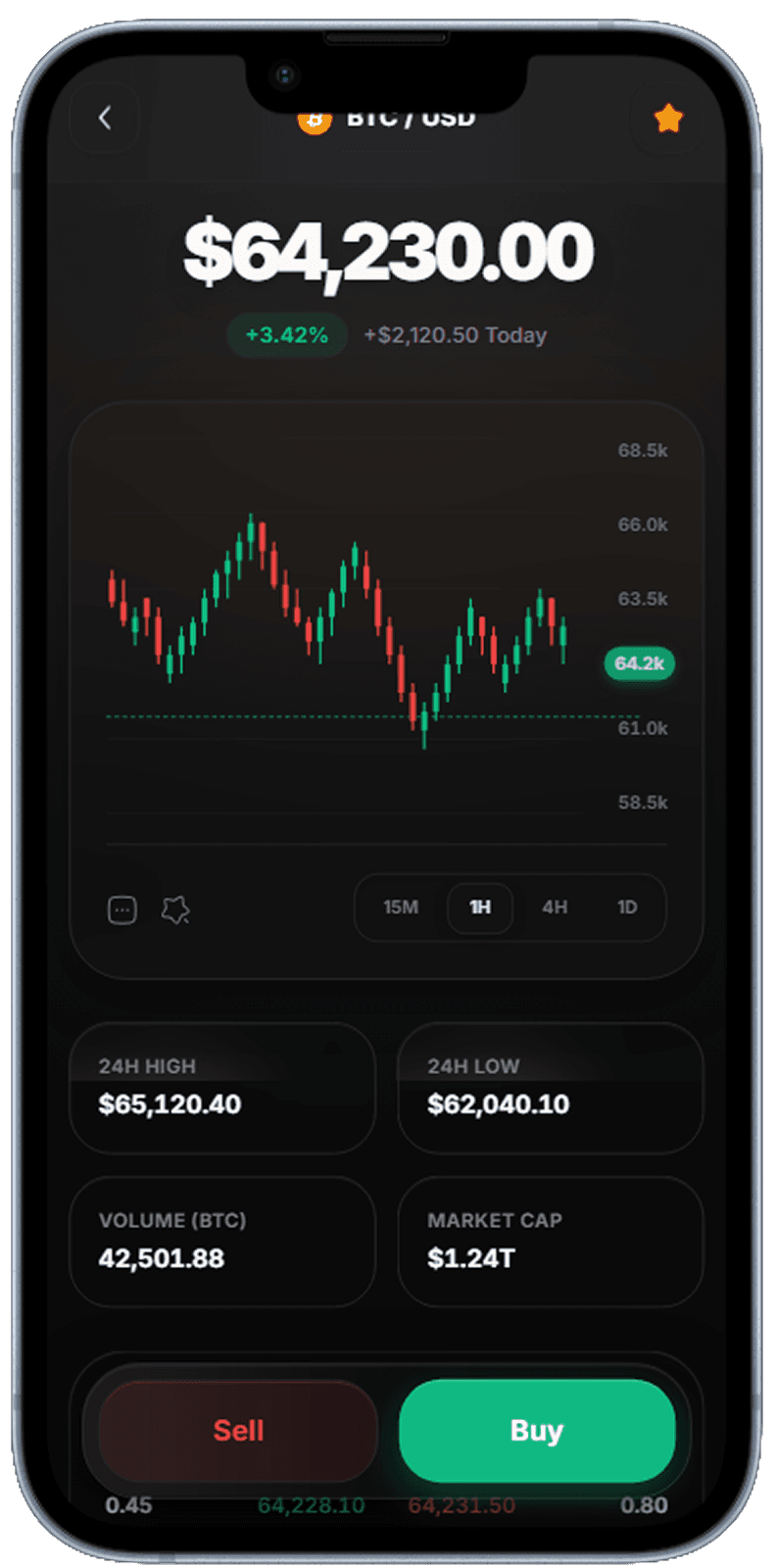
Trading Chart
Interactive candlestick chart with buy/sell CTA anchored to bottom.
Full-screen price chart with timeframe selector
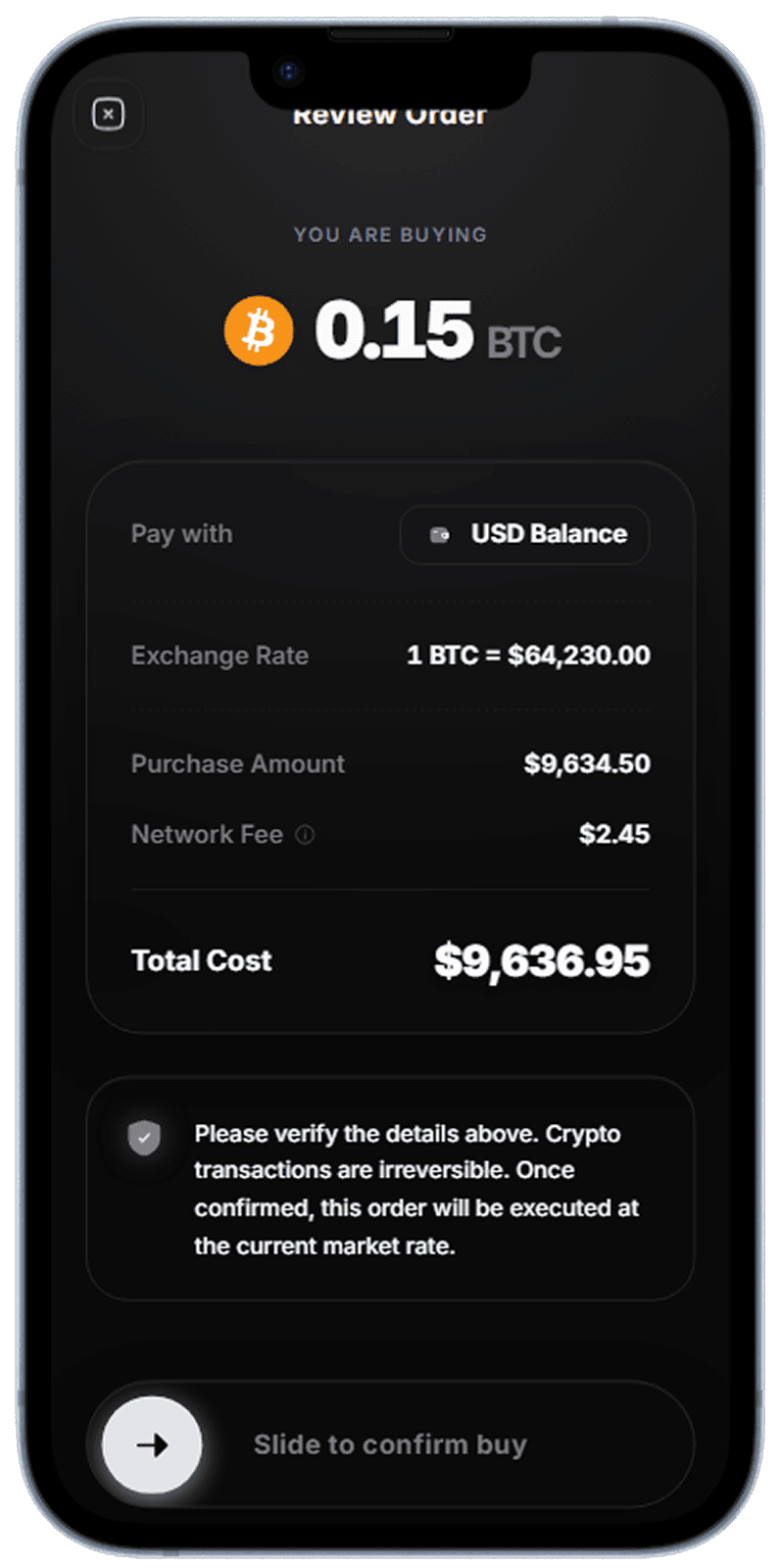
Buy Review
Two-step confirmation sheet reduces accidental trades.
Order review before executing trade
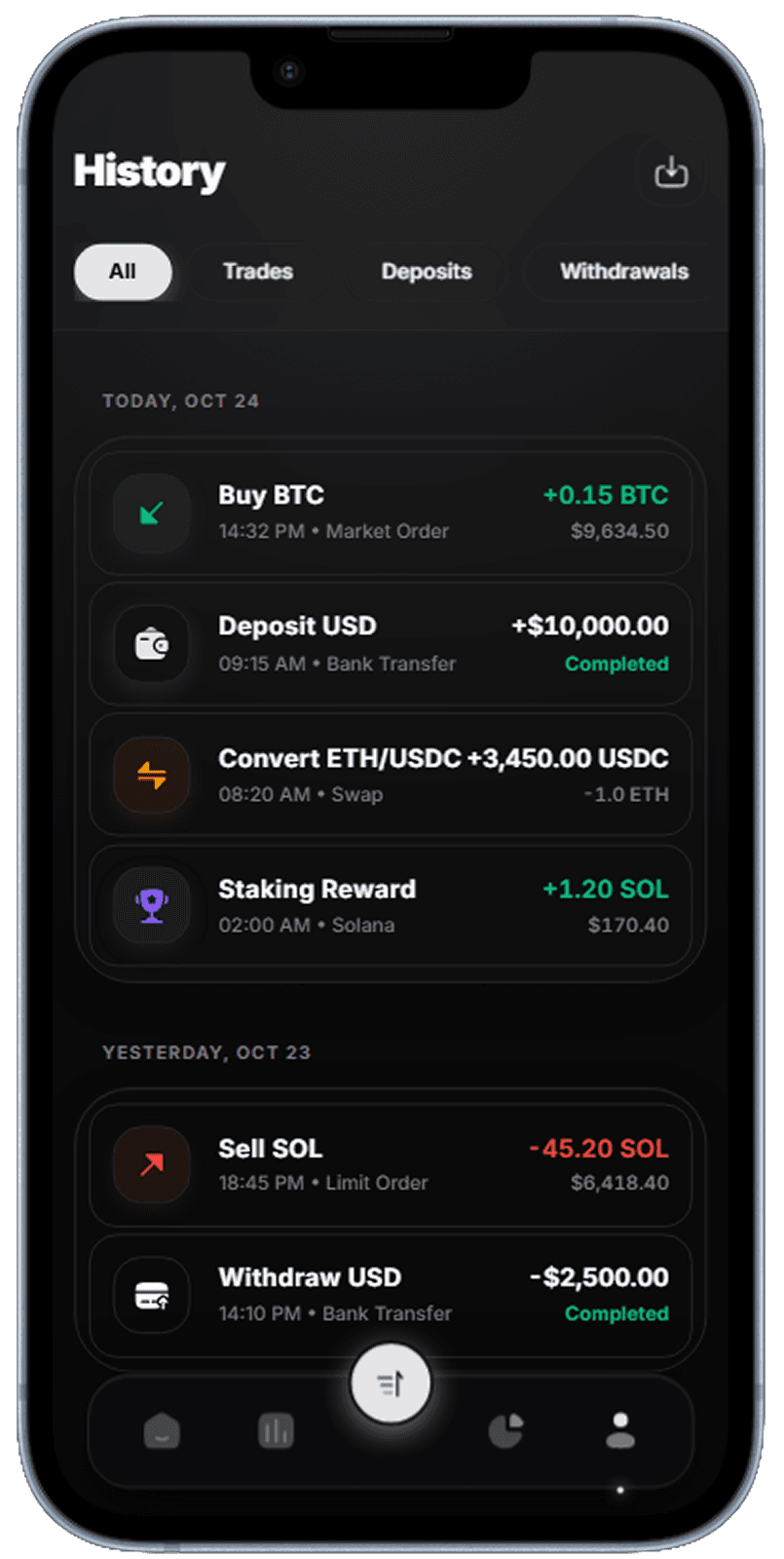
Transaction History
Grouped transaction feed with date separators and filter chips.
Chronological trade history with filter controls
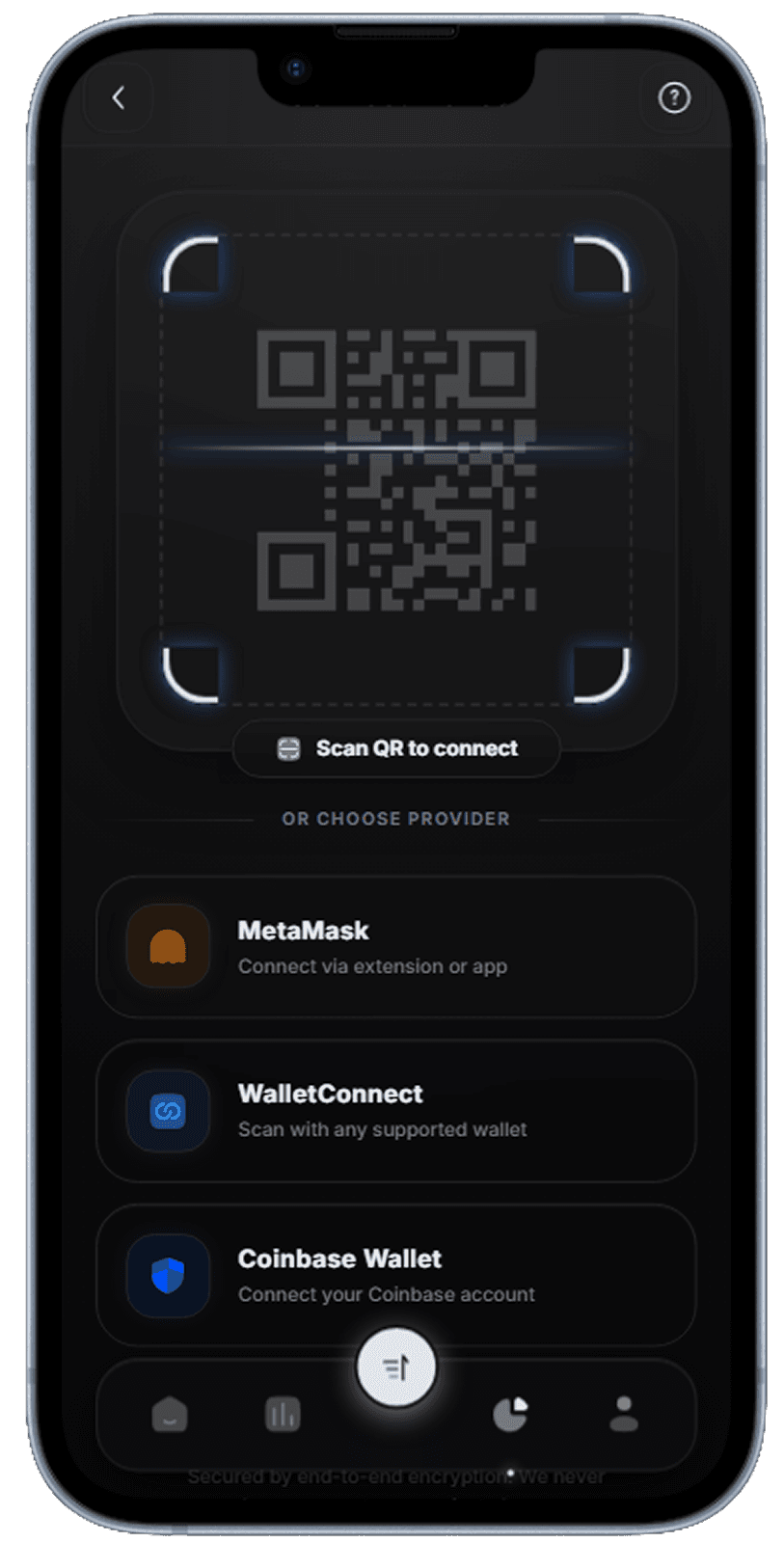
Wallet Connect
QR scanner and deep-link wallet connection flow.
QR scanner and deep-link wallet connection flow
What Makes Great Fintech UI Design
The best fintech apps earn trust before they earn transactions. Visual hierarchy must immediately orient the user — balance front and center, then context (change since yesterday), then action (buy, sell, transfer). Dark themes dominate crypto trading apps because they reduce eye strain during extended chart analysis sessions and give price charts room to breathe. Typography choices matter enormously: tabular figures prevent number columns from shifting as values update. These screens demonstrate each of these principles in practice.
Key UI Patterns in Financial App Design
Three patterns recur across top-performing fintech apps. First, the persistent bottom navigation anchors the five core journeys — Home, Markets, Trade, Portfolio, Account — so users never get lost regardless of how deep they navigate. Second, micro-feedback on every action (haptic on trade confirm, animated balance update on deposit) builds confidence that the system processed the request correctly. Third, empty states are opportunities: a new user seeing their first portfolio screen should see a "how to get started" prompt, not a blank chart. These Dezyn-generated screens implement all three patterns out of the box.
How to Adapt These Designs for Your App
Whether you are building a neo-bank, a stock broker, or a crypto exchange, these screens serve as a blueprint. Swap the color accent from green to your brand color in one place and the entire app updates. Replace the BTC/ETH ticker labels with your asset names. The data visualization layer — charts, sparklines, percentage badges — is intentionally generic so it maps to any numeric time series. If you need a specific flow not shown here, describe it in Dezyn and generate matching screens that inherit the same visual language.
Related Resources
Generate your own fintech app UI in seconds
Describe your financial app concept to Dezyn and get a full set of polished, production-ready screens — no designer or Figma required.