Language Learning App UI Inspiration
Real screens from a Dezyn-generated language learning app - lesson paths, vocabulary drills, speaking practice, and progress tracking.
Language learning apps need to feel structured enough to build consistency while staying playful enough to keep users coming back daily. These screens show a complete learning flow from lesson discovery to speaking practice and progress review, with clear hierarchy and high-repeatability interaction patterns.
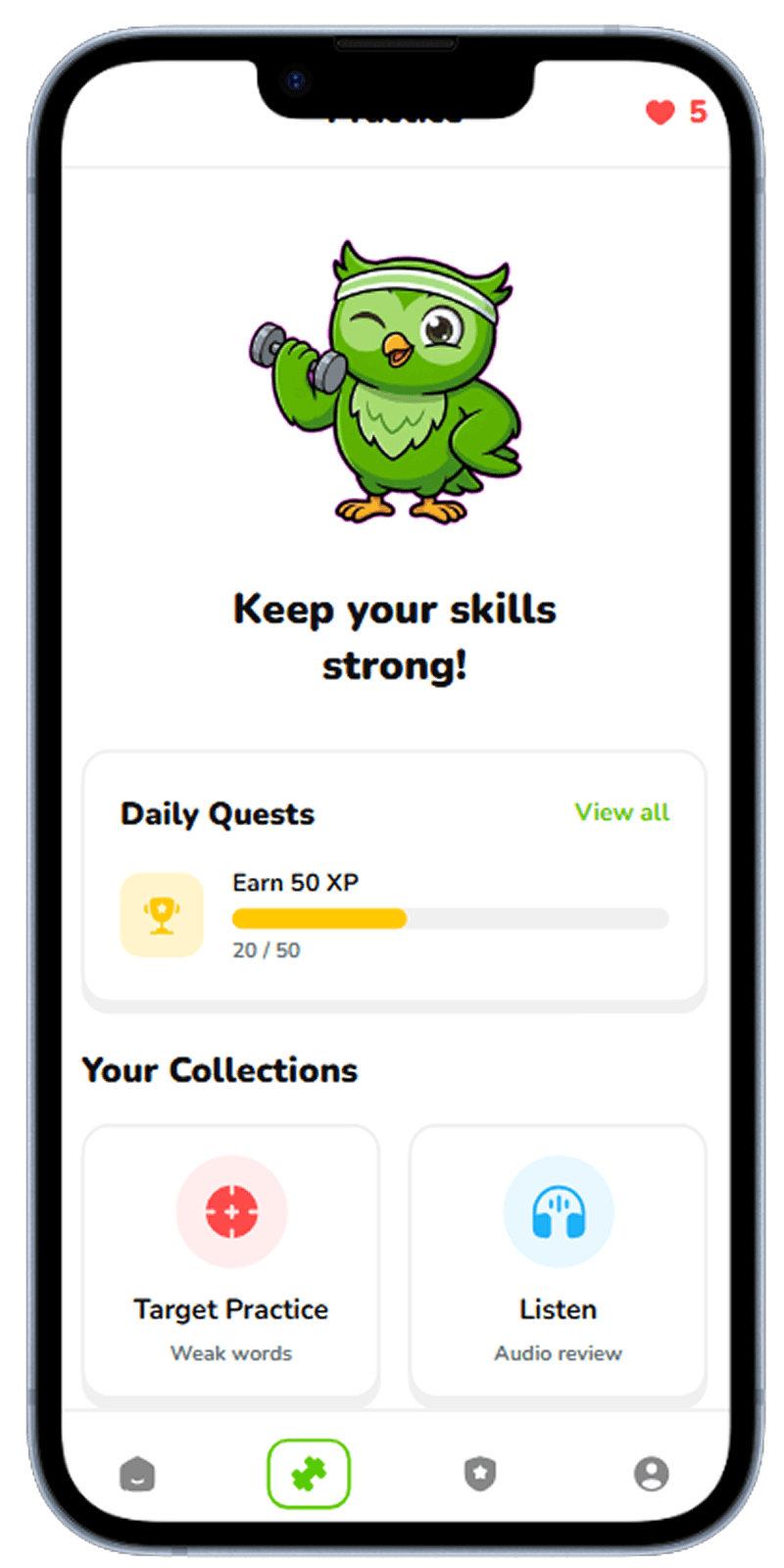
Home
Personalized home with daily goal, streak card, and resume lesson action.
Daily learning dashboard with streak and next lesson CTA
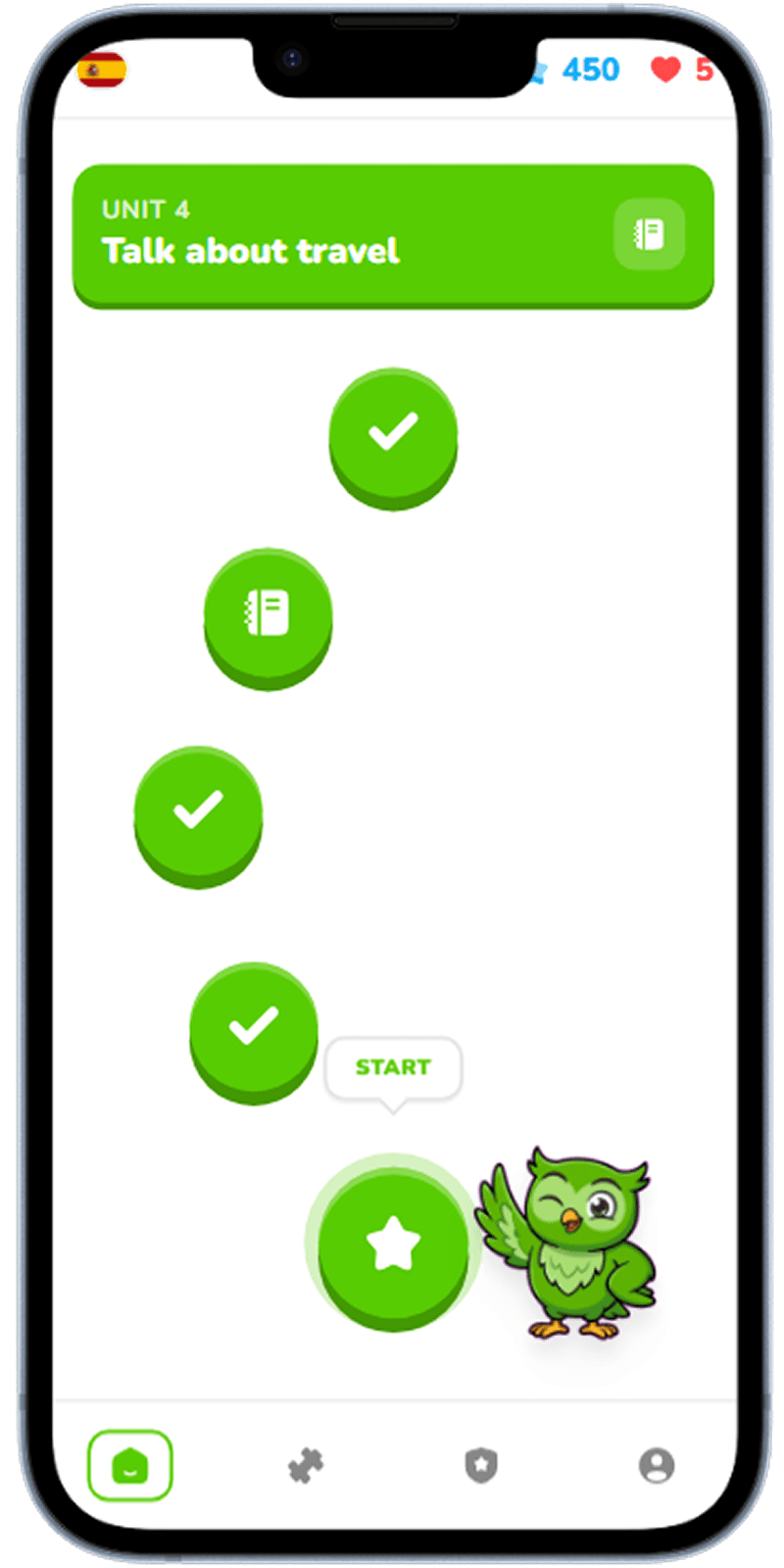
Lesson Path
Progressive path view showing completed lessons and upcoming milestones.
Structured lesson roadmap with locked and completed nodes
Lesson Detail
Lesson overview with clear objectives and start lesson CTA.
Lesson breakdown with objectives, exercises, and estimated time
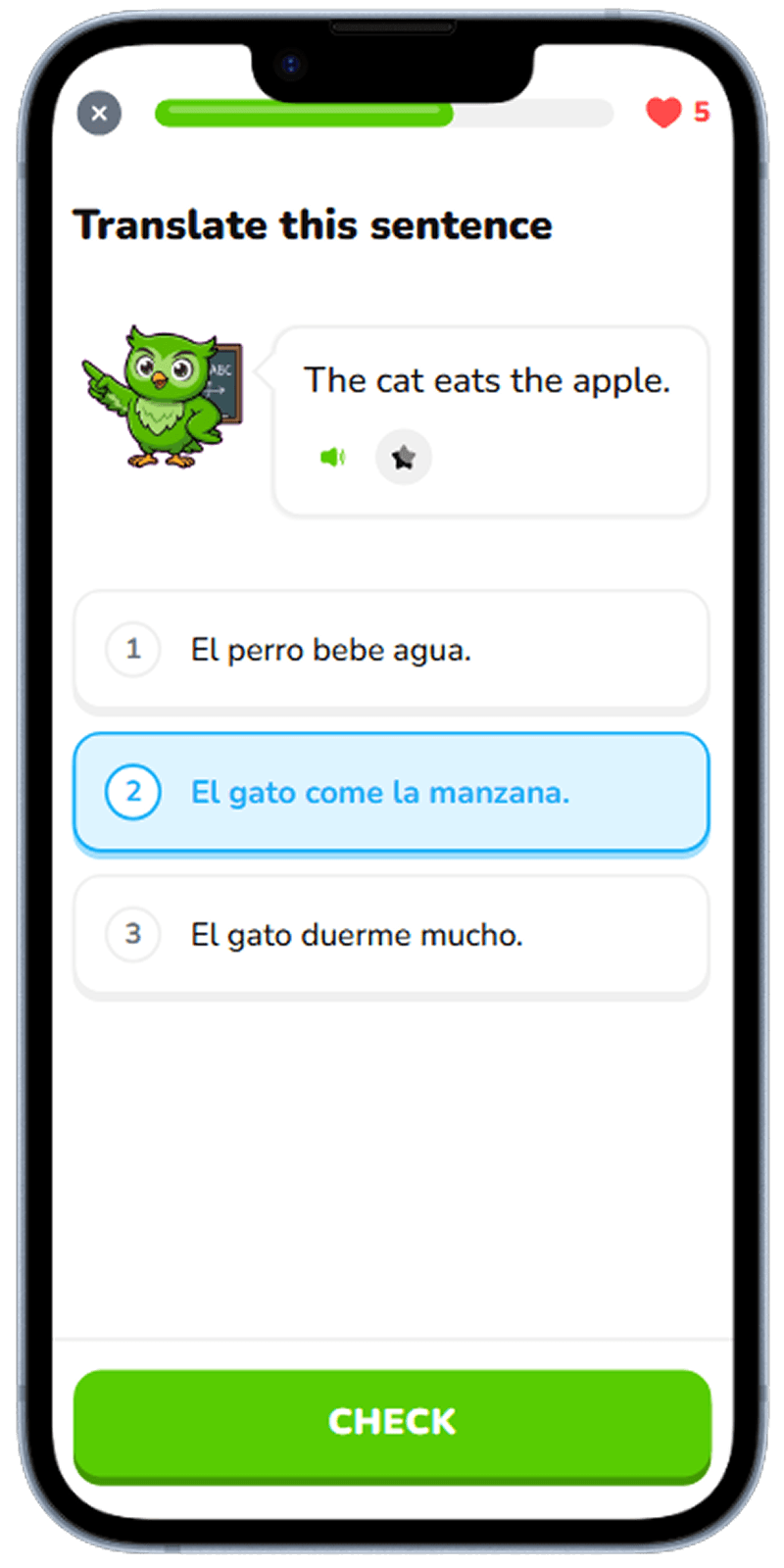
Vocabulary
Flashcard-style practice with quick confidence feedback controls.
Vocabulary drill interface with confidence-based repetition
Speaking Practice
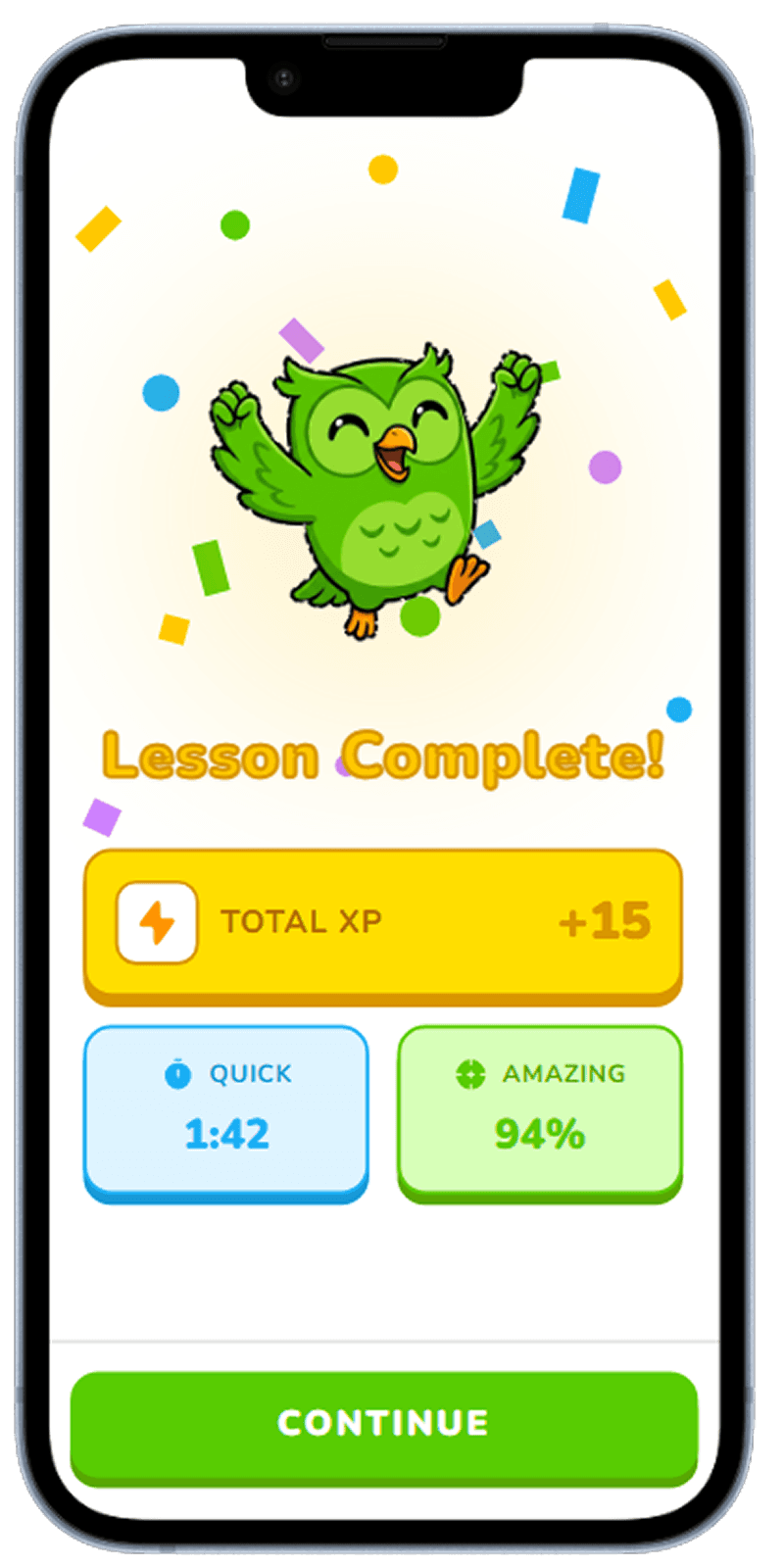
Record-and-compare speaking flow with pronunciation scoring.
Pronunciation practice with recording and scoring feedback
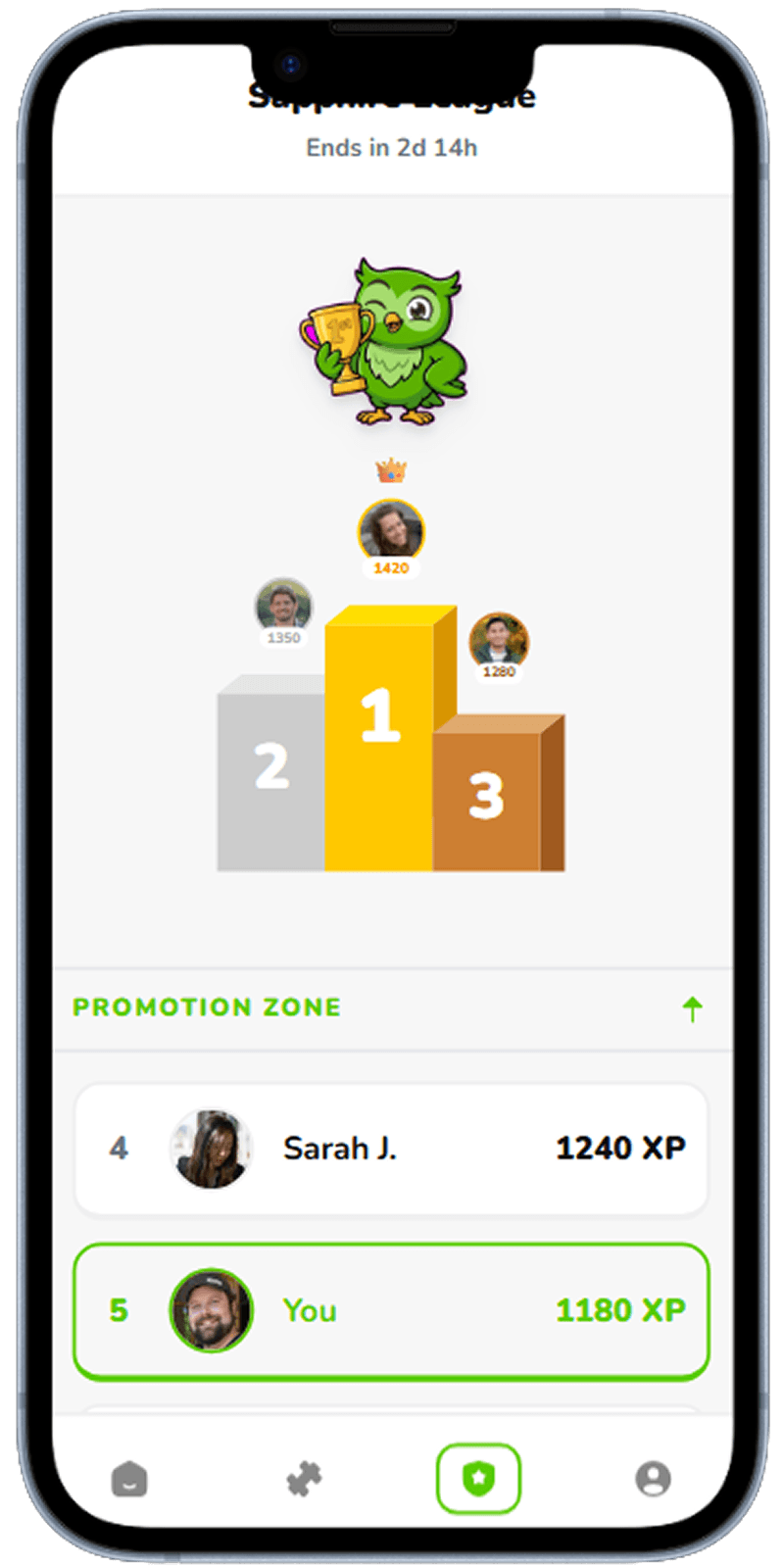
Progress
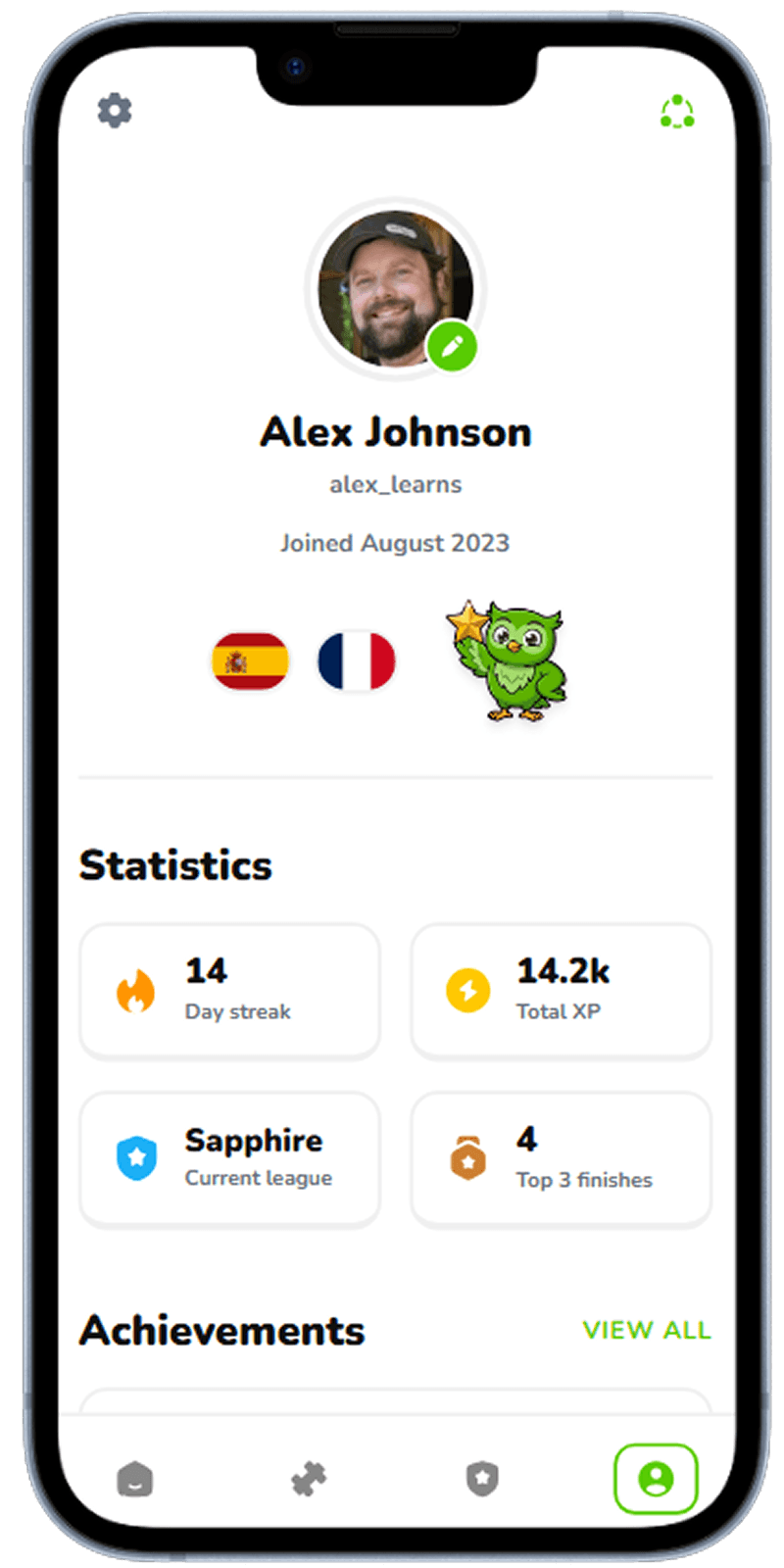
Progress dashboard showing streaks, completed lessons, and skill growth.
Weekly progress insights with streaks and skill-level trends
Designing for Daily Learning Habits
Retention in language learning depends on routine. The home screen should always answer three questions instantly: what should I do next, how long will it take, and how close am I to my goal? A visible streak paired with a clear next lesson CTA removes decision friction and increases session starts.
Lesson UX: Structured but Flexible
Great lesson flows balance structure and autonomy. A visible path creates long-term momentum, while clear lesson detail screens let users choose tasks based on available time. Micro-steps, immediate feedback, and short completion loops keep cognitive load low while preserving a strong sense of progress.
Practice Modes that Build Confidence
Vocabulary and speaking practice should feel safe, not punishing. Fast retry loops, clear pronunciation feedback, and confidence-based repetition let users improve without anxiety. Progress screens then close the loop by showing measurable growth over time, which reinforces the habit.
Related Resources
Generate your language learning app UI in seconds
Describe your language learning concept to Dezyn and get cohesive, production-ready screens instantly.