Healthcare App UI Inspiration
Explore clean, trust-building healthcare app screens — appointment booking, health dashboards, medication reminders, and telehealth flows.
Healthcare apps face a unique design challenge: they must feel clinical enough to inspire trust, yet warm enough that users actually engage with them daily. Every screen must balance information density with simplicity — a cluttered health dashboard increases anxiety rather than reducing it. The examples below show how thoughtful UI design can make complex medical data approachable, turning a health app into a daily habit rather than a tool users only open when something goes wrong.
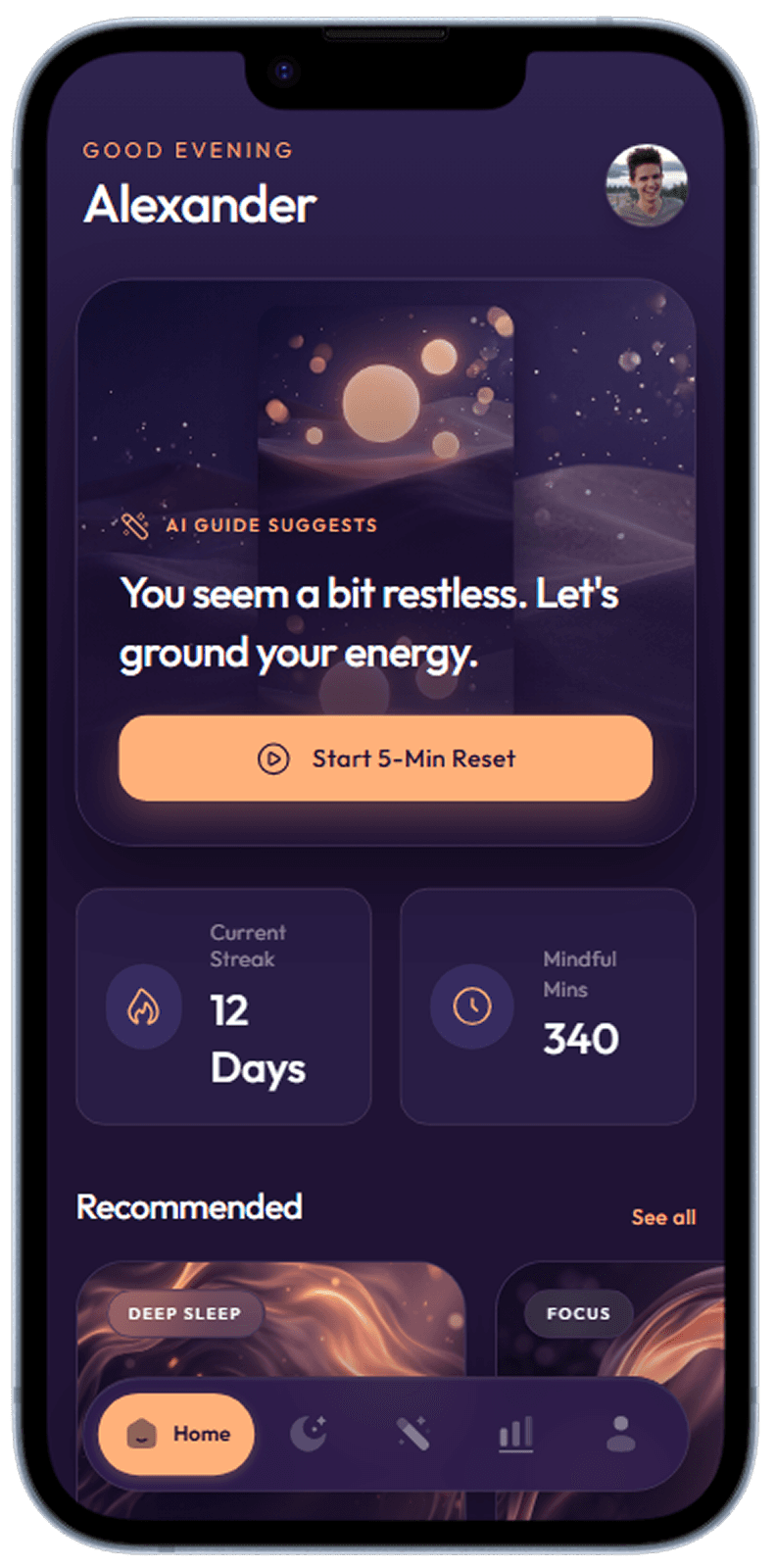
Home
Personalised home with today's recommended session and streak display.
Meditation app home with daily session recommendation
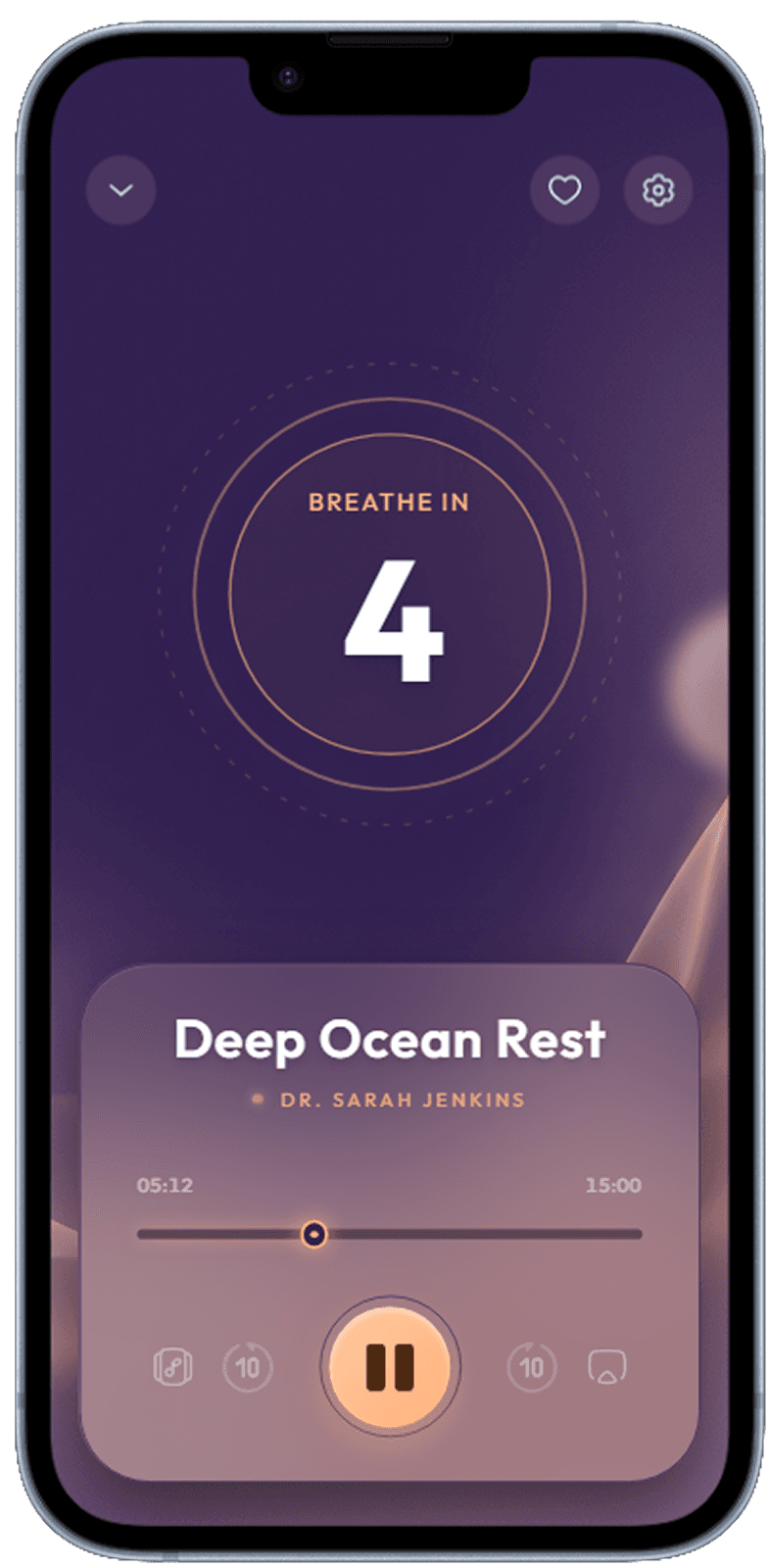
Meditation Player
Full-screen player with breathing guide animation, timer, and ambient sound toggle.
Active meditation session player with timer and ambient controls
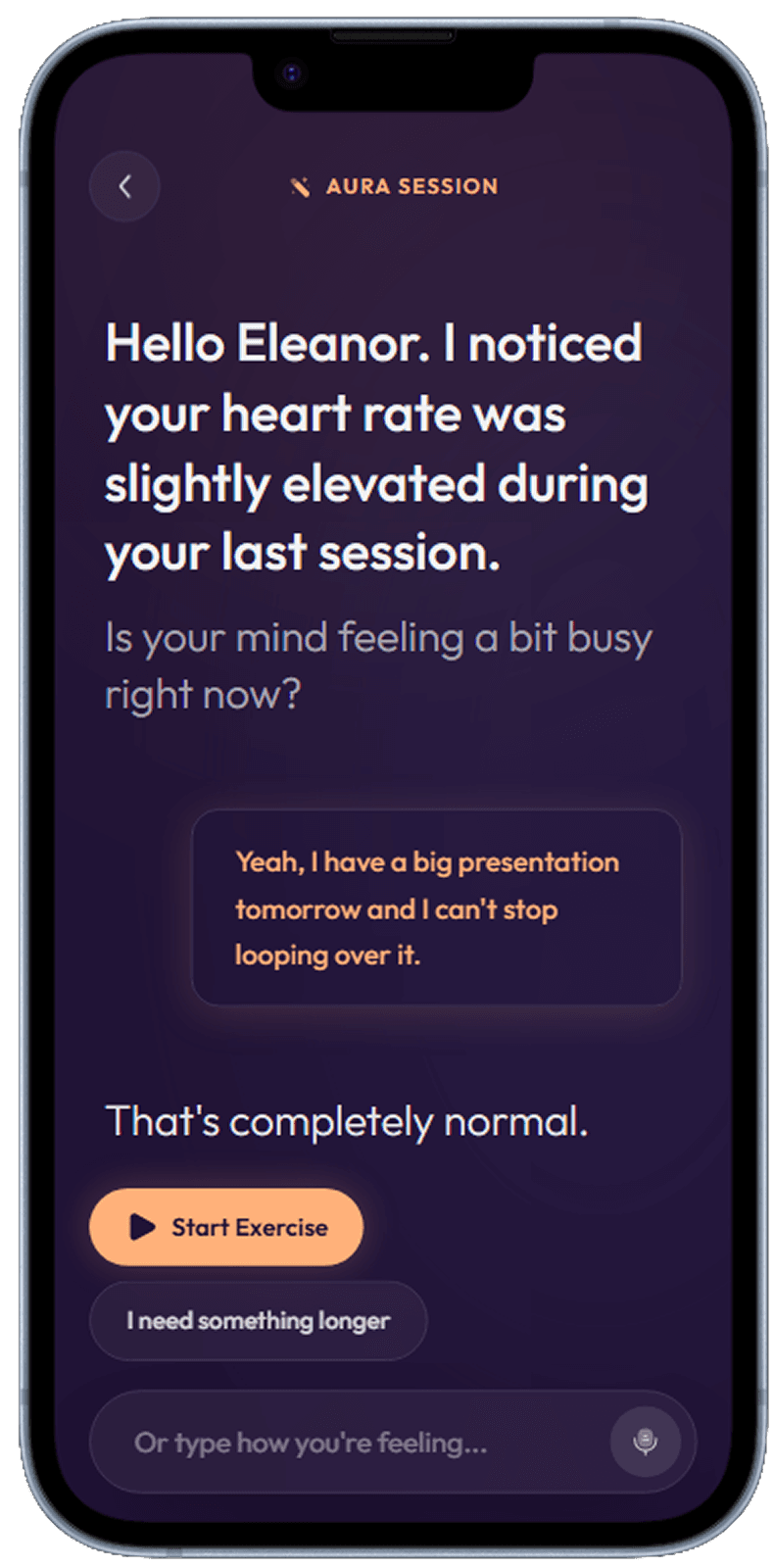
AI Session
AI-curated session based on mood check-in and recent activity.
AI-personalised meditation session builder
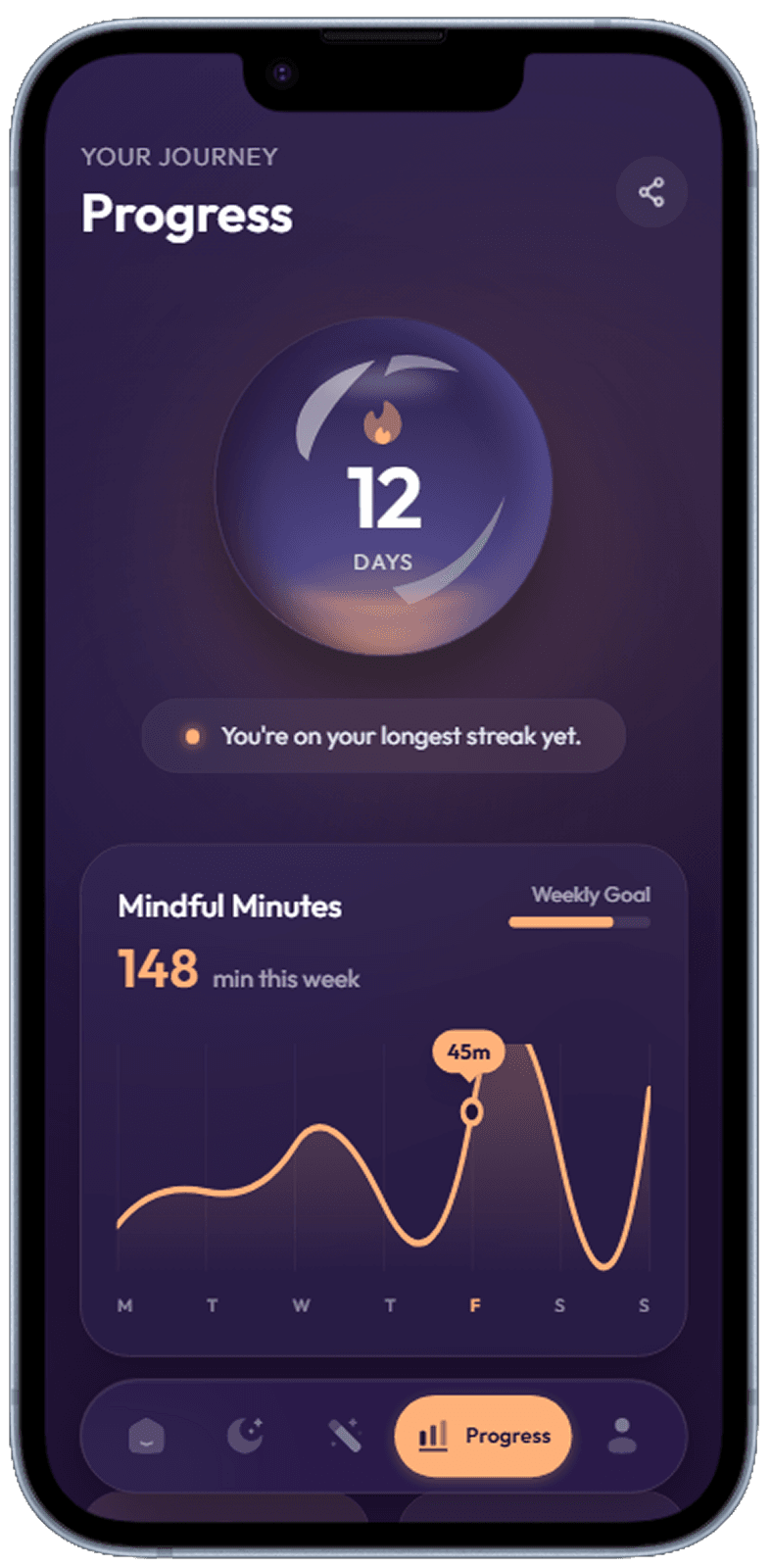
Progress
Streak counter, total minutes meditated, and mood trend chart.
Weekly mindfulness progress with streak and session stats
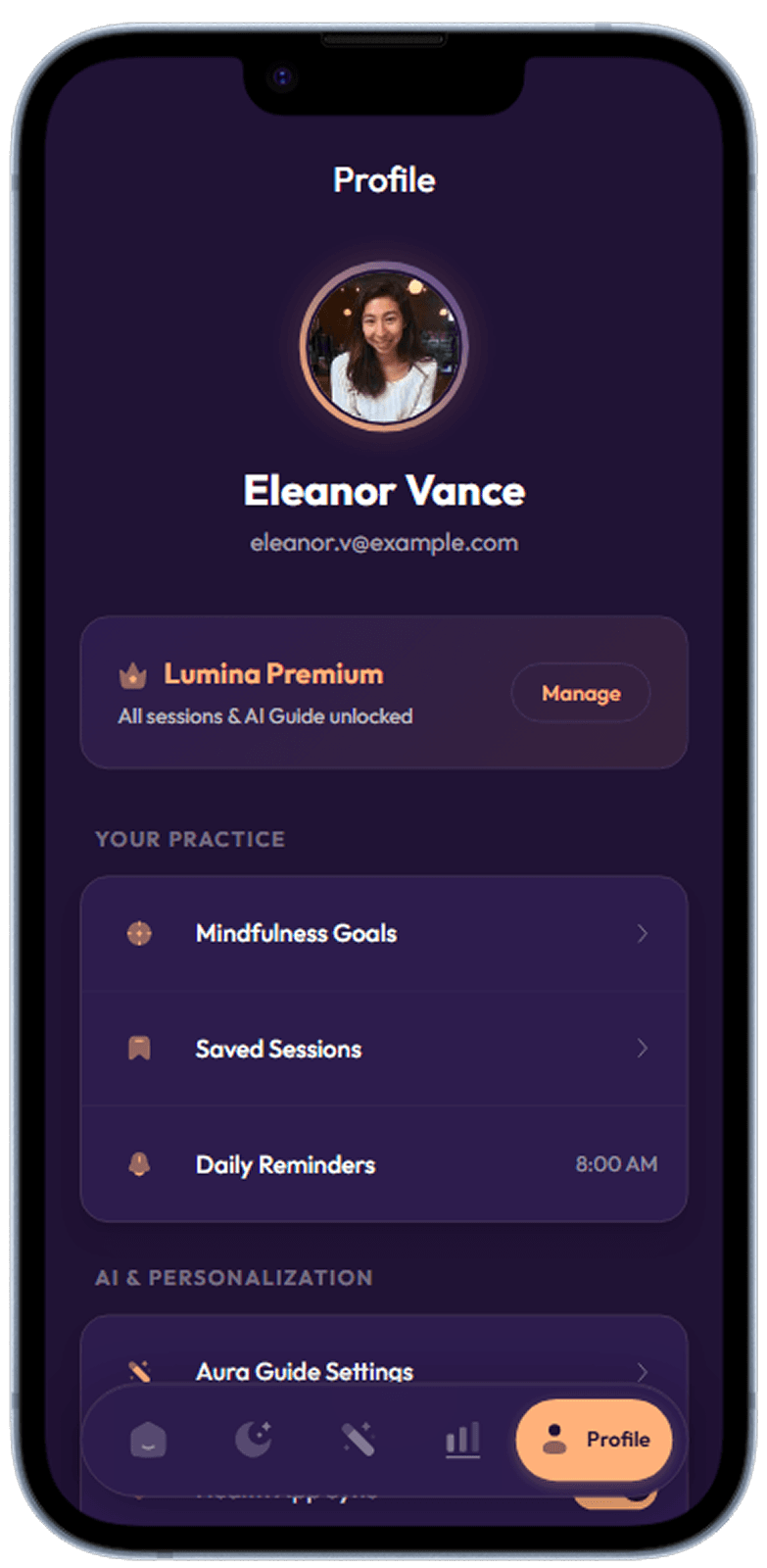
Profile
Wellness profile with goal summary, earned badges, and preferences.
User profile with achievements, goals, and settings
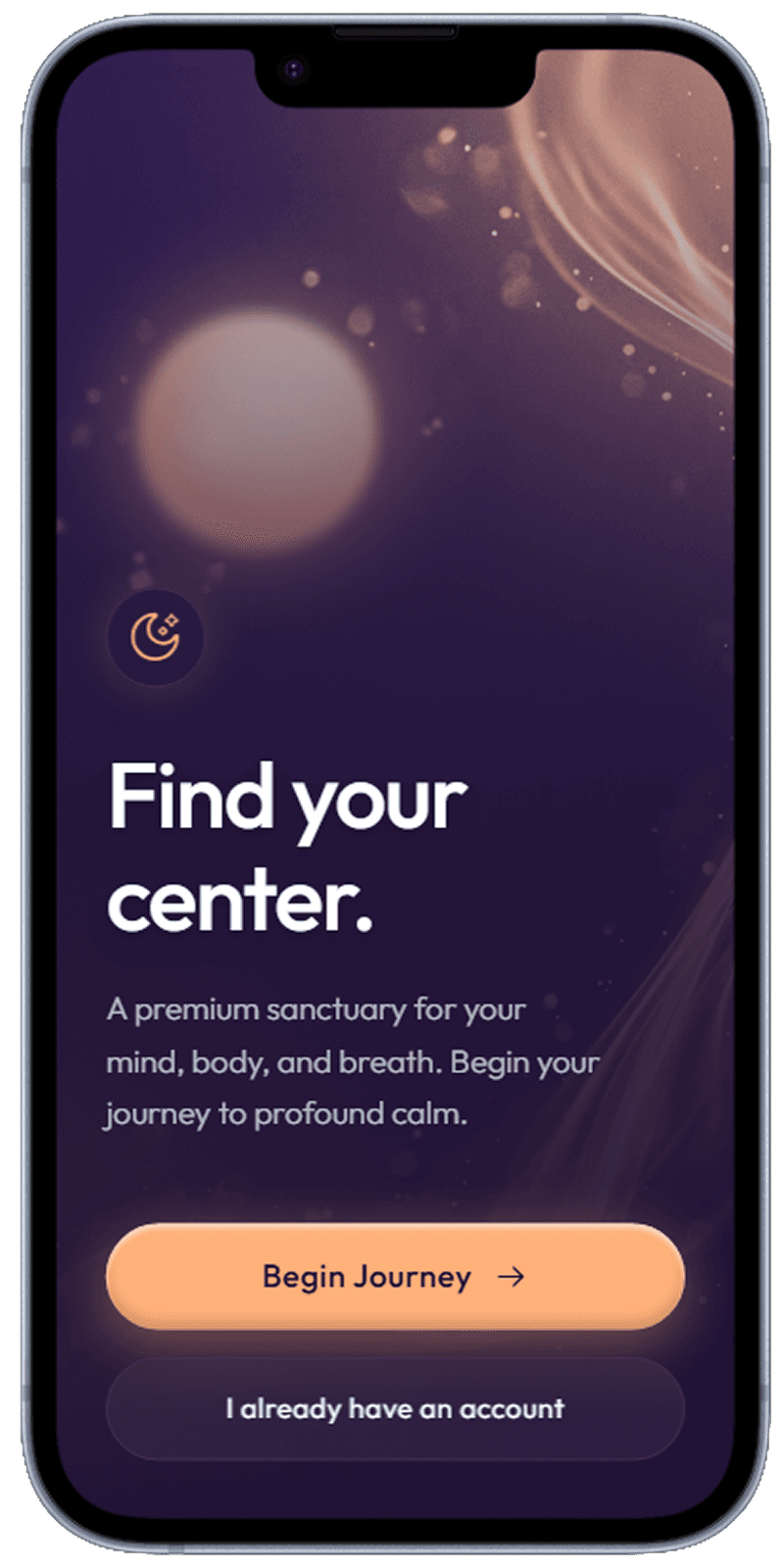
Onboarding Welcome
Full-screen welcome with app tagline and get started CTA.
Welcome screen introducing the app value proposition
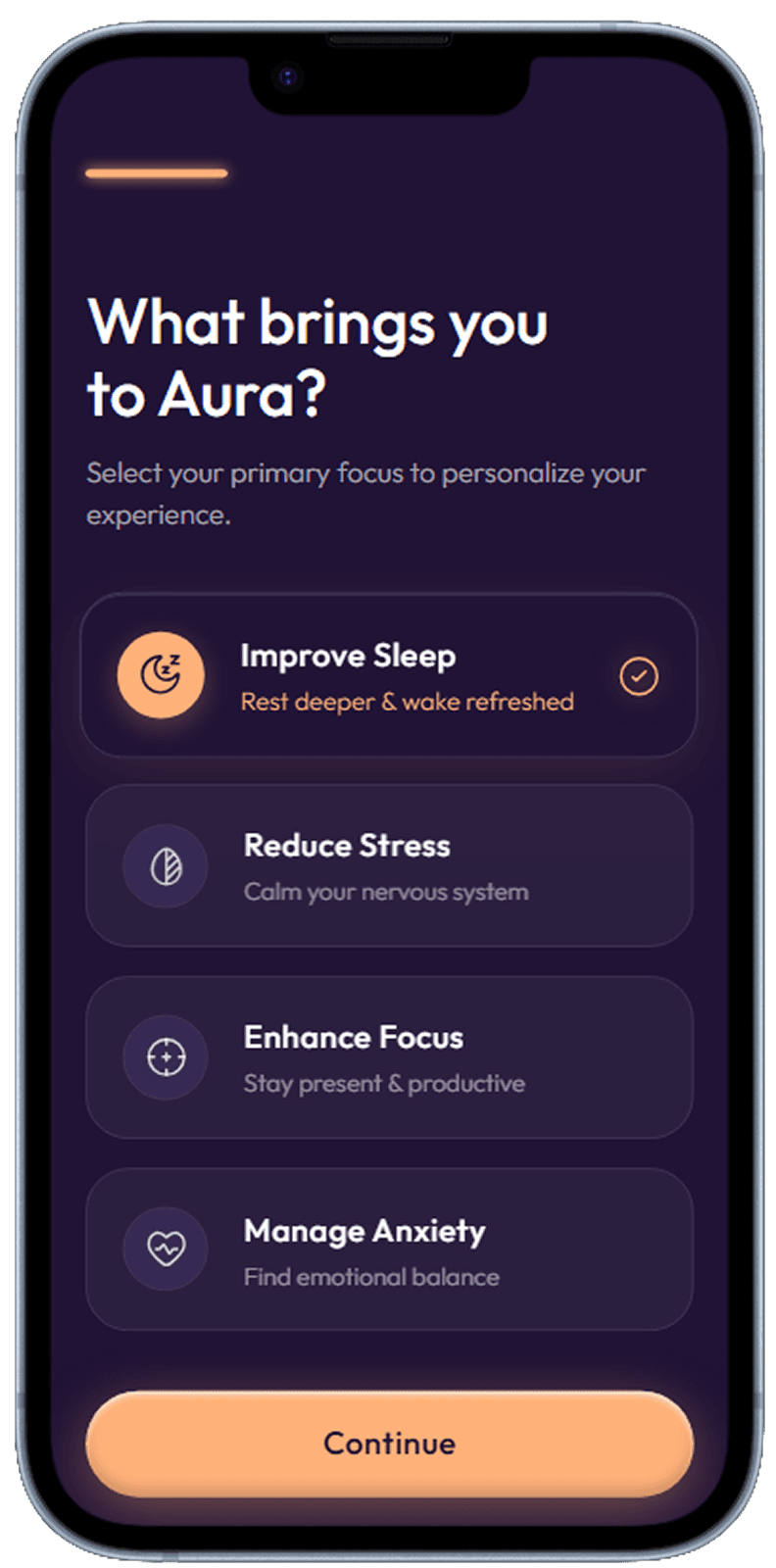
Onboarding Goals
Multi-select goal cards — stress relief, sleep, focus, anxiety — for personalisation.
Goal selection to personalise the meditation programme
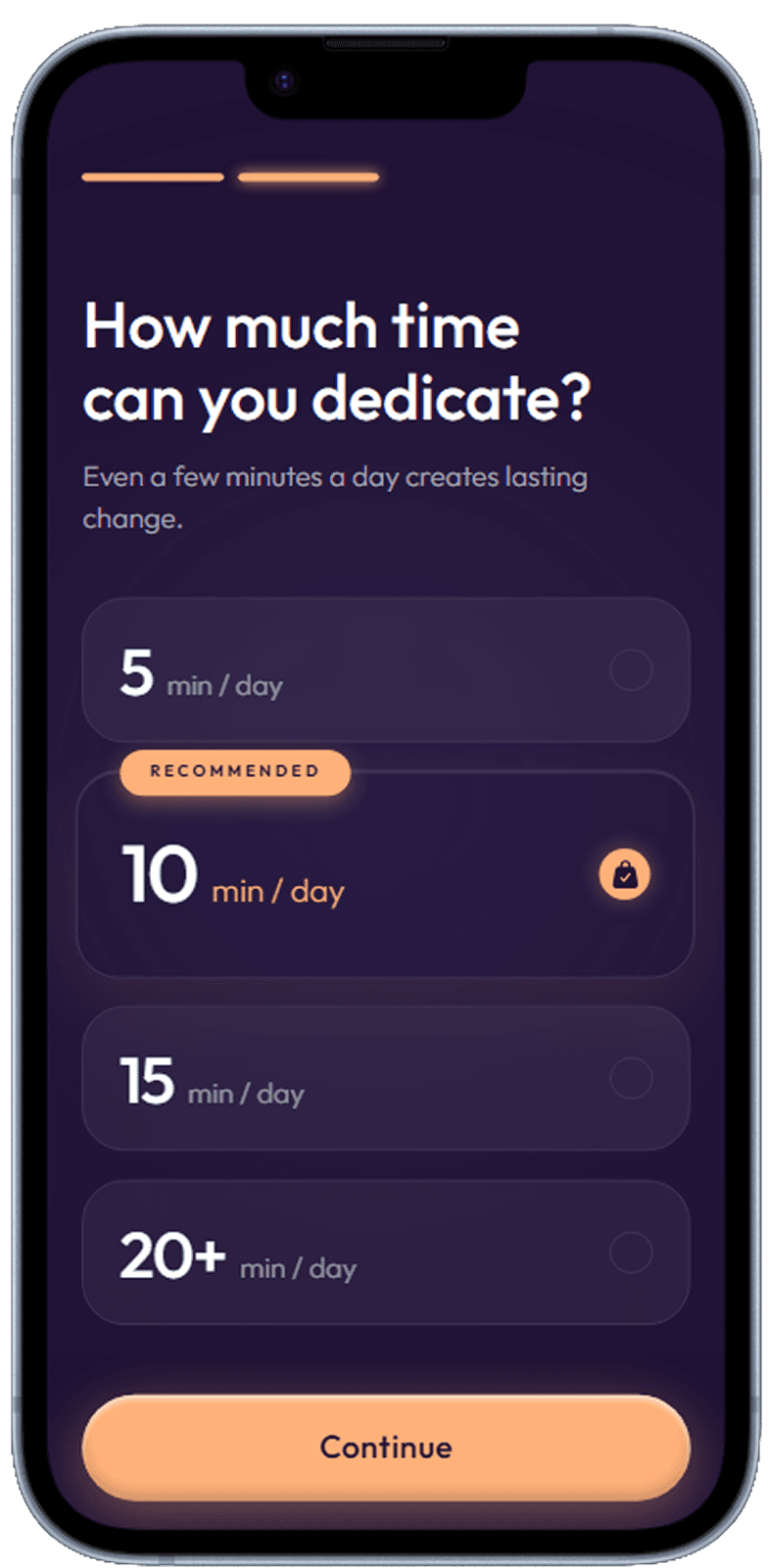
Onboarding Time
Time-per-day commitment selector with visual habit-building prompt.
Daily practice time selector for habit building
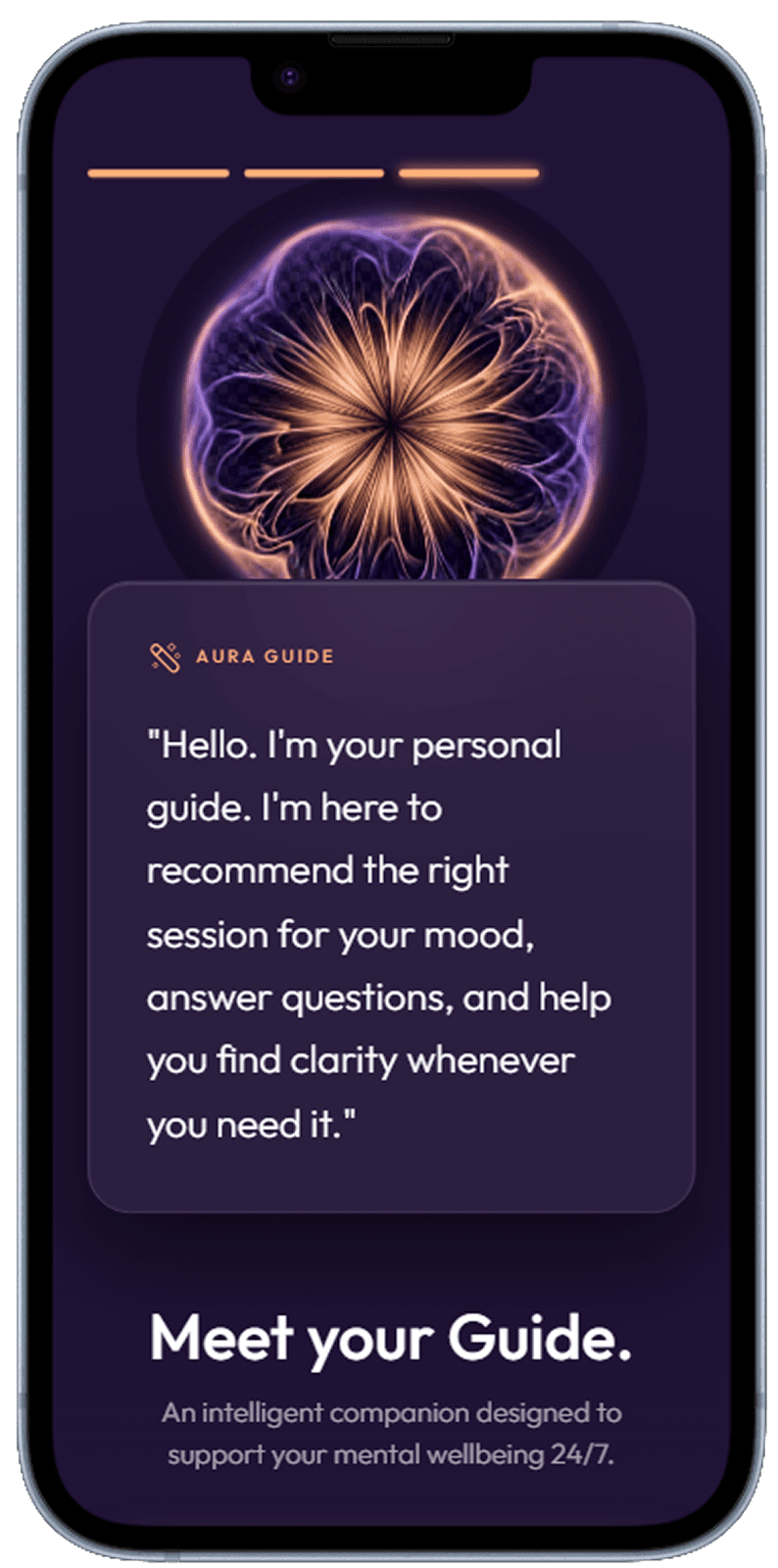
Onboarding Guide
Final onboarding step introducing the core practice concepts before the first session.
Guided introduction to mindfulness practice
Designing Trust into Every Screen
Trust is the primary design currency of healthcare apps. Users are sharing sensitive data — symptoms, diagnoses, medication histories — and every visual decision either builds or erodes confidence. This means clean layouts with generous whitespace, a restrained colour palette anchored around calming blues and greens, legible typography at every size, and zero dark patterns. Cluttered interfaces signal carelessness; a healthcare app that feels cluttered will be abandoned at the moment a user needs it most.
Appointment Booking: Removing Friction from Critical Flows
Booking a medical appointment is often the highest-stakes action in a healthcare app — users delay it when friction is high. Effective appointment flows surface available slots immediately (no "choose a date first" dead ends), show doctor profiles with relevant credentials, and provide instant confirmation with calendar integration. The best designs also include a clear cancellation path, because removing the fear of being locked in increases booking rates.
Data Visualisation for Non-Technical Users
Health metrics — HbA1c levels, blood pressure trends, sleep cycles — are meaningless to most users without context. Good healthcare UI translates numbers into plain-language assessments ("Your blood pressure is in the healthy range") with visual indicators (colour-coded zones, directional arrows) before showing the raw numbers. Trend charts should highlight the meaningful pattern, not just plot every data point. The goal is informed confidence, not data overload.
Related Resources
Design your healthcare app UI with AI
Describe your health platform to Dezyn — appointments, dashboards, telehealth — and get a complete UI in seconds.