Login Screen Examples
Authentication UI patterns that convert - email sign-in, social login, OTP verification, forgot password, and secure password reset.
These real auth screens show a complete lightweight login journey from sign-in to password recovery. The flow prioritizes clarity, security reassurance, and low-friction completion.
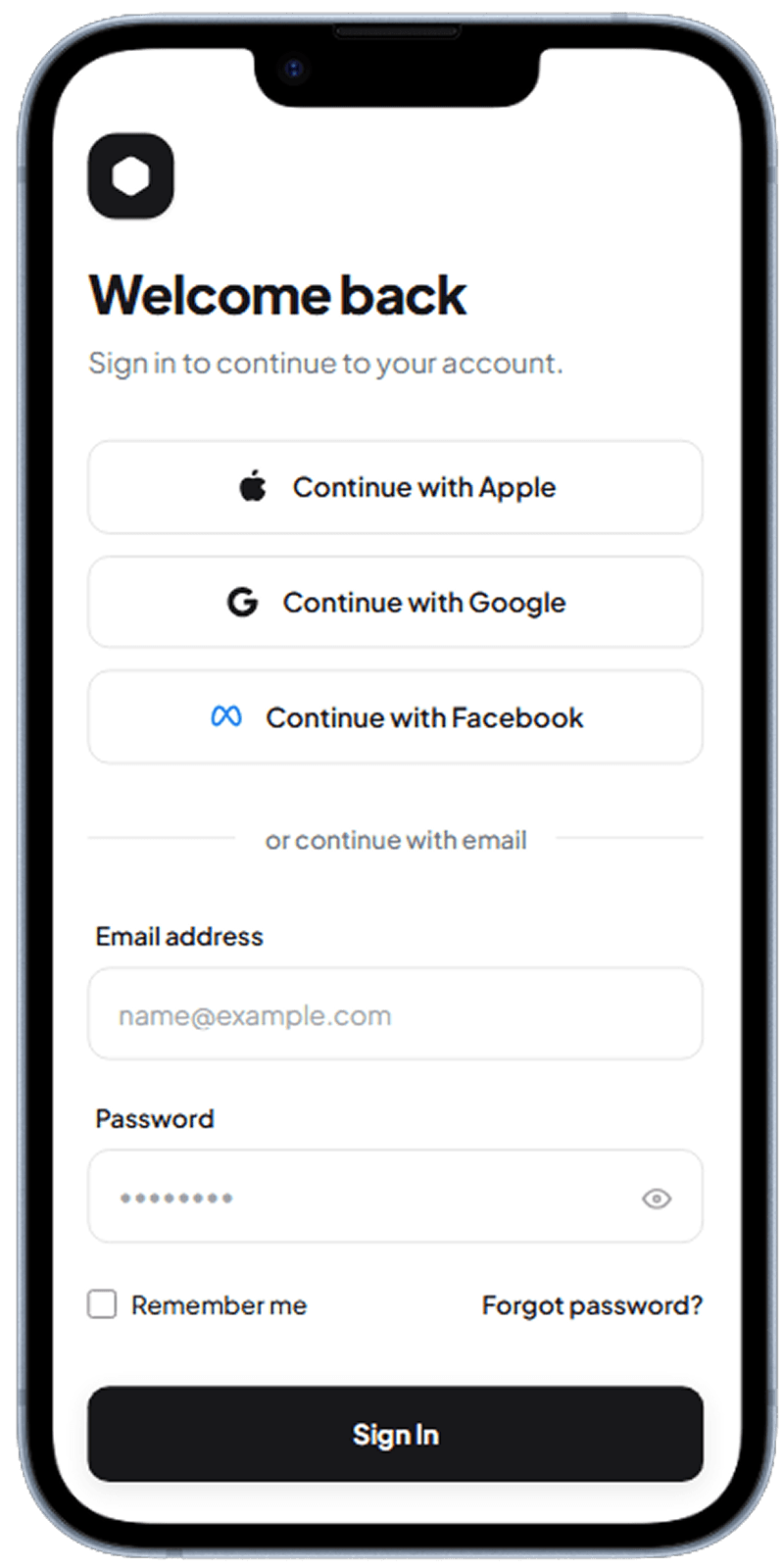
Email & Password Login
Clean sign-in entry point with straightforward field hierarchy.
Primary login form with focused email and password fields
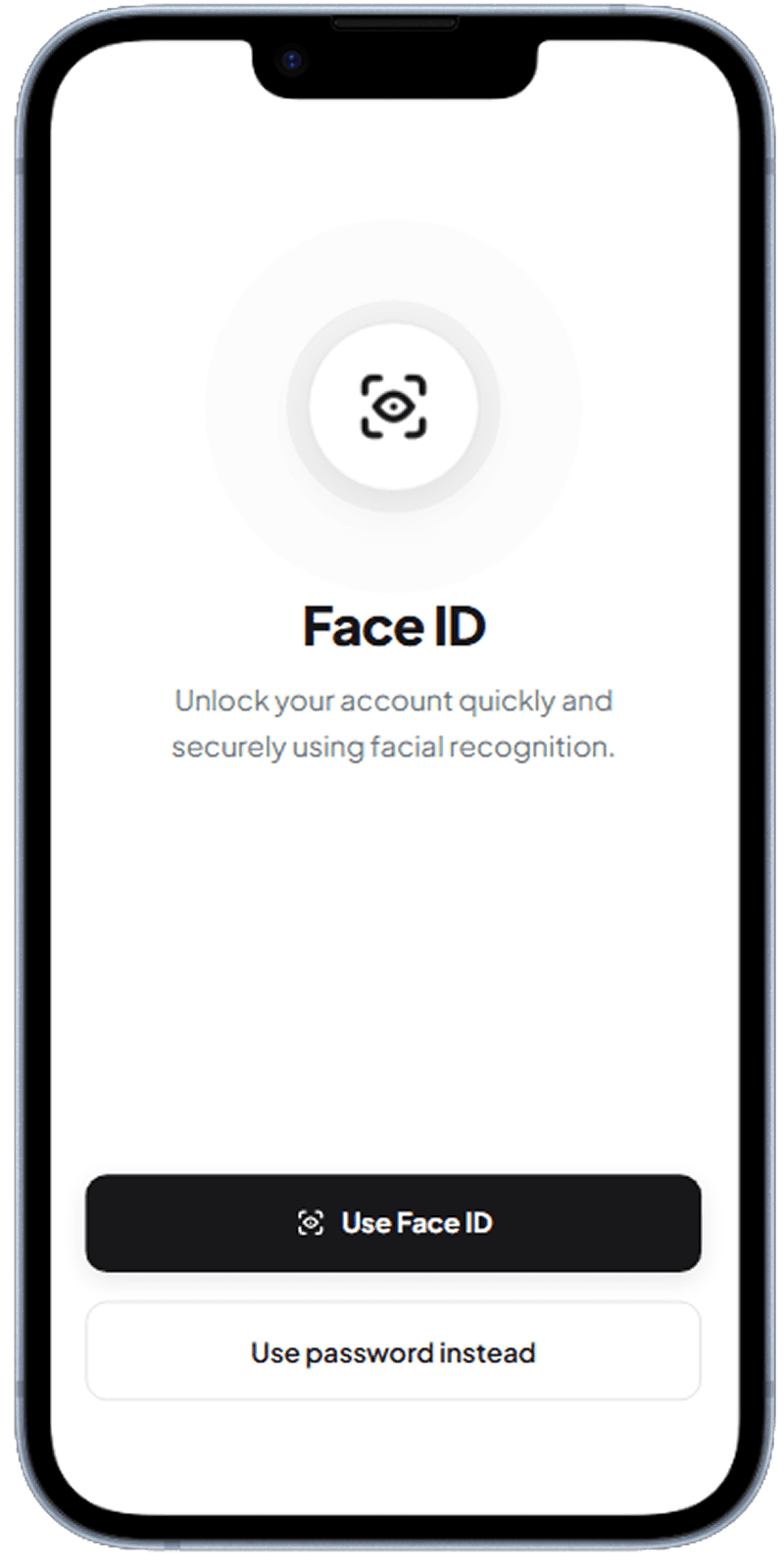
Social Login Options
Alternative sign-in methods to reduce login friction for returning users.
Quick authentication options for faster account access
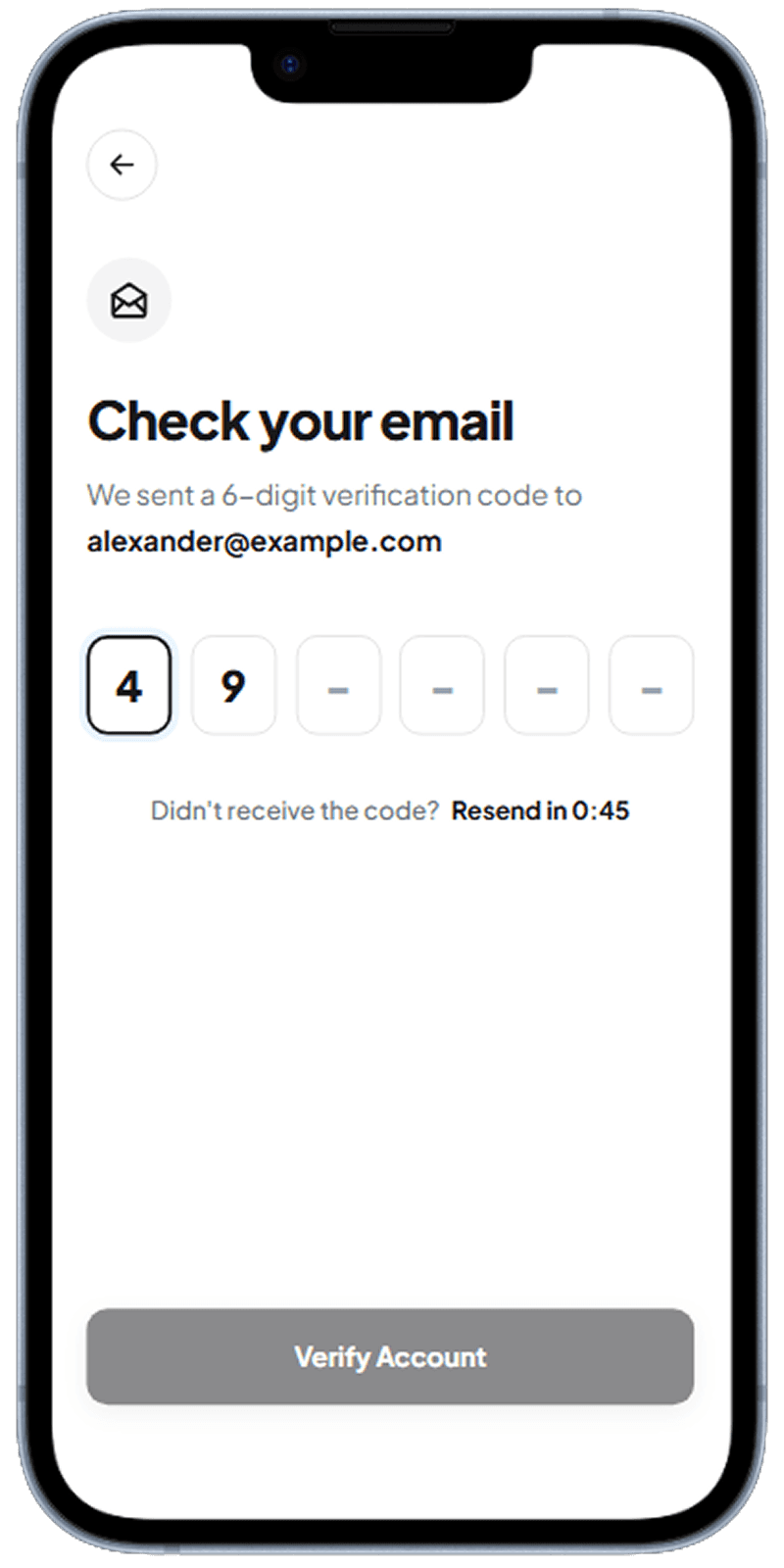
OTP Verification
Step-up verification screen for secure account access.
One-time code verification with focused input state
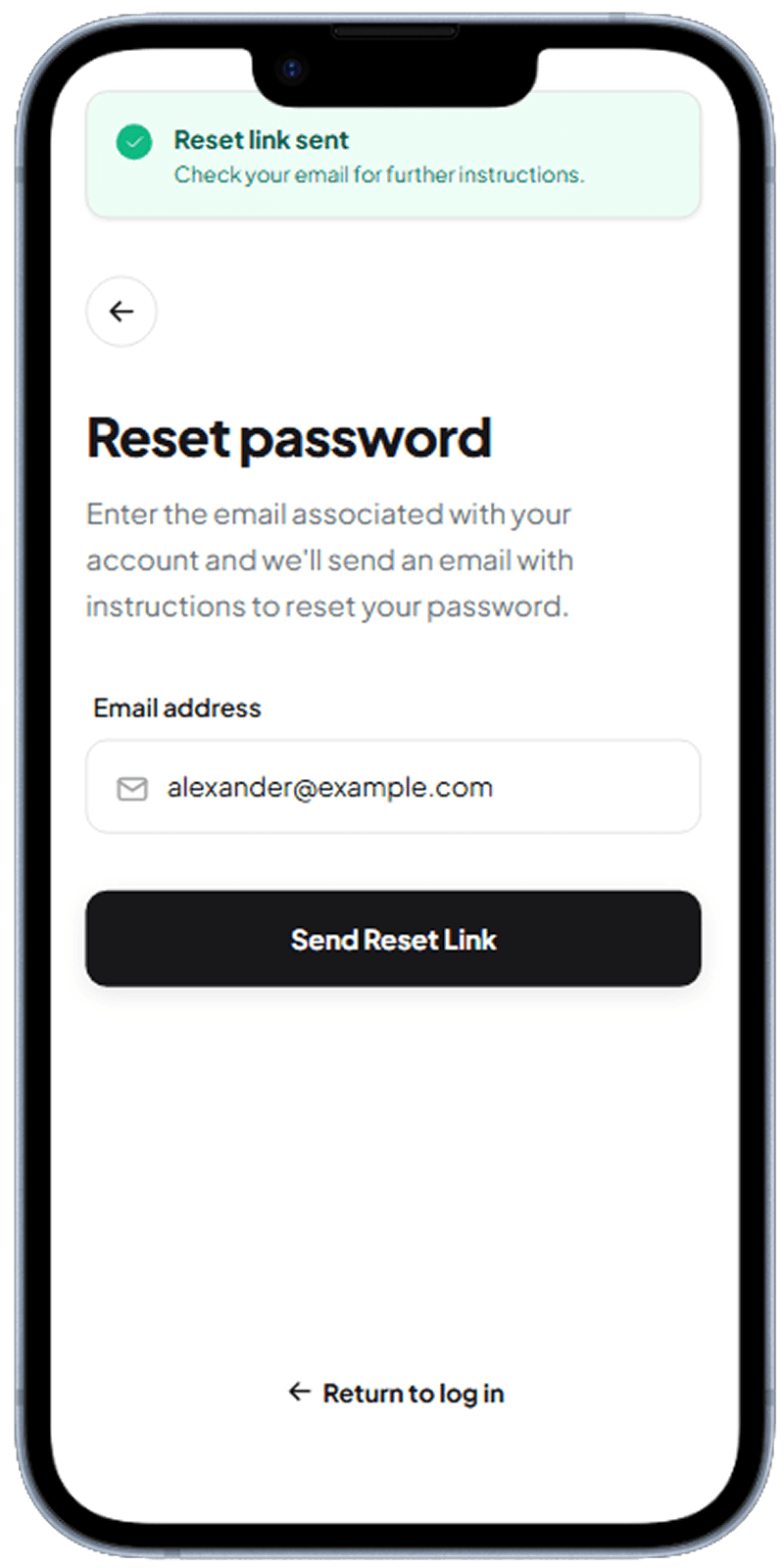
Forgot Password
Recovery initiation screen that collects account identifier safely.
Password recovery request step before reset completion
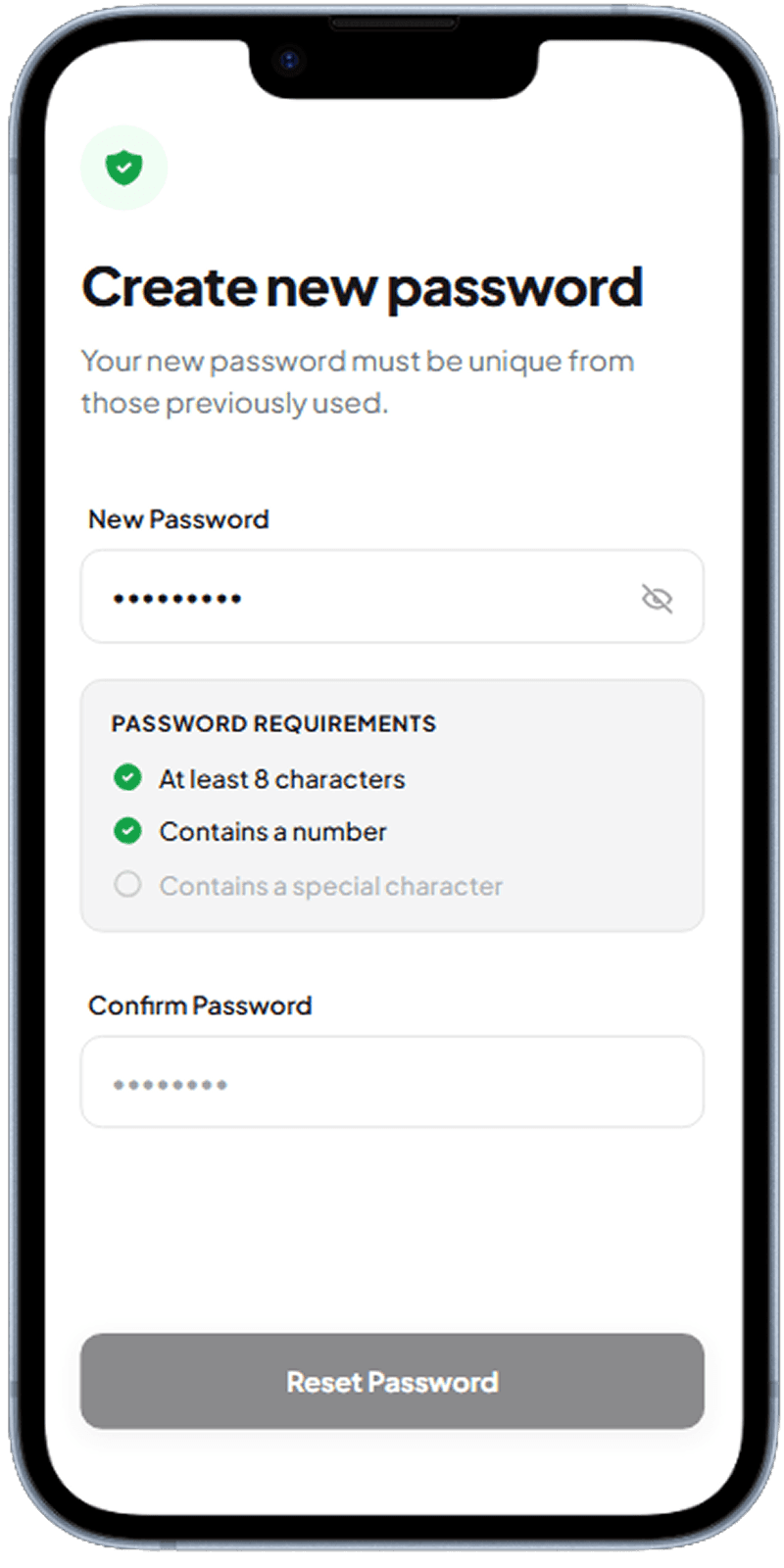
New Password Set
Final reset step with requirement checklist and confirm-password validation.
Create-new-password flow with requirements and visibility toggle
Keep Authentication Flows Short
The best auth journeys remove optional complexity. Users should recognize the path immediately: sign in, verify when needed, recover password if blocked. Every extra branch should have a clear reason.
Make Security Legible
Security UX should be visible without feeling scary. Requirement checklists, explicit labels, and verification steps help users trust the flow while still moving quickly.
Design Recovery as a Core Path
Password reset is not an edge case. It must feel as polished as login itself, with clear requirements, instant feedback, and no ambiguity about completion state.
Related Resources
Design your auth flow with Dezyn
Describe your authentication requirements to Dezyn and get polished, secure-looking screens instantly.